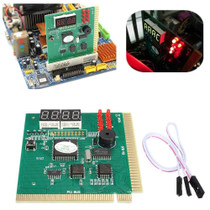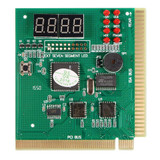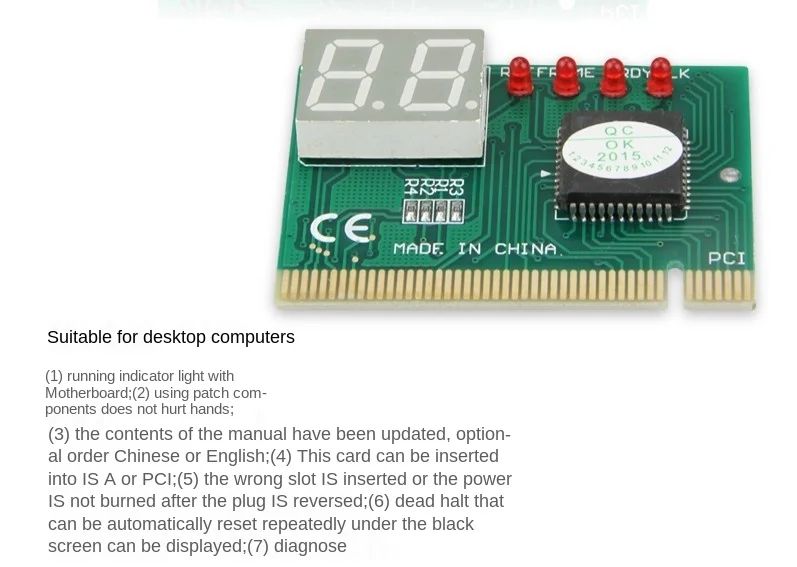
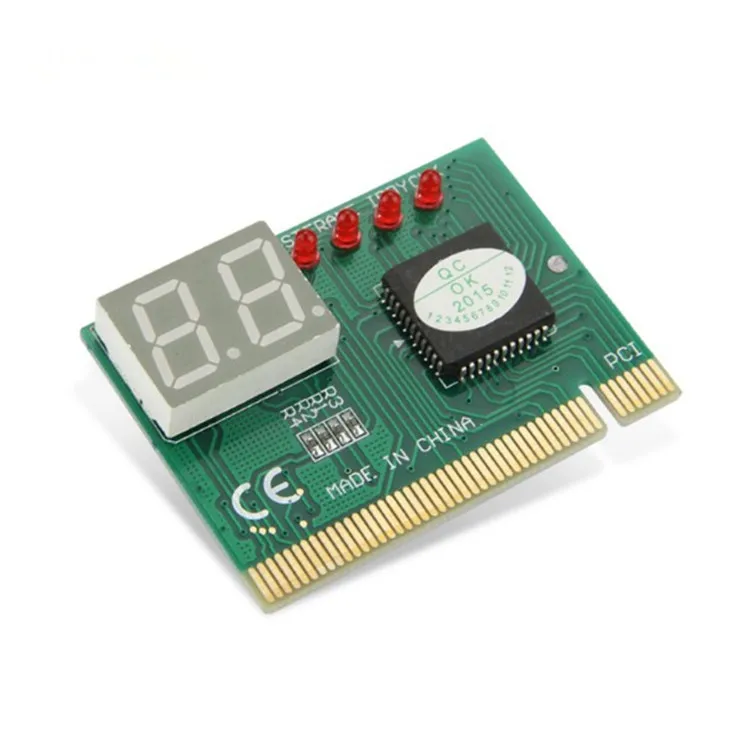
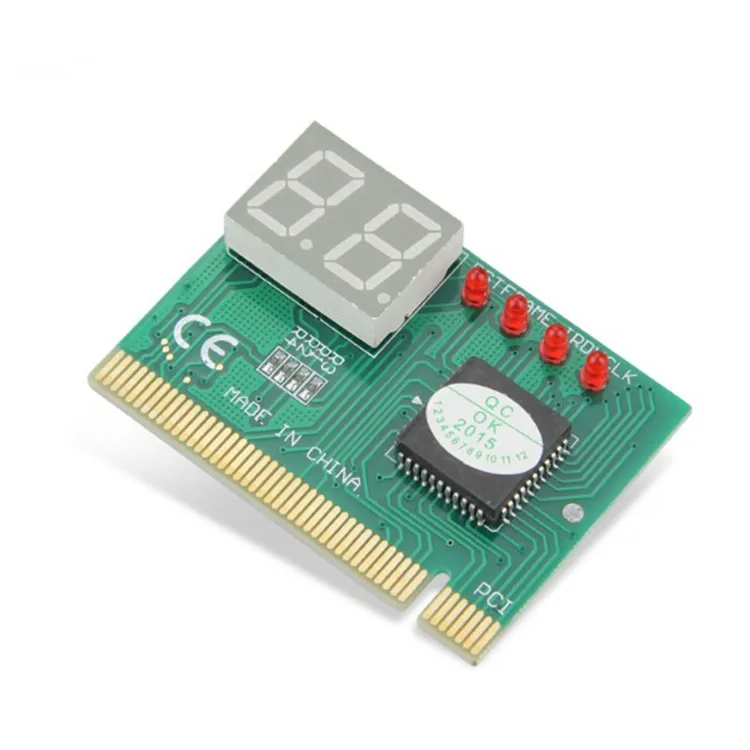
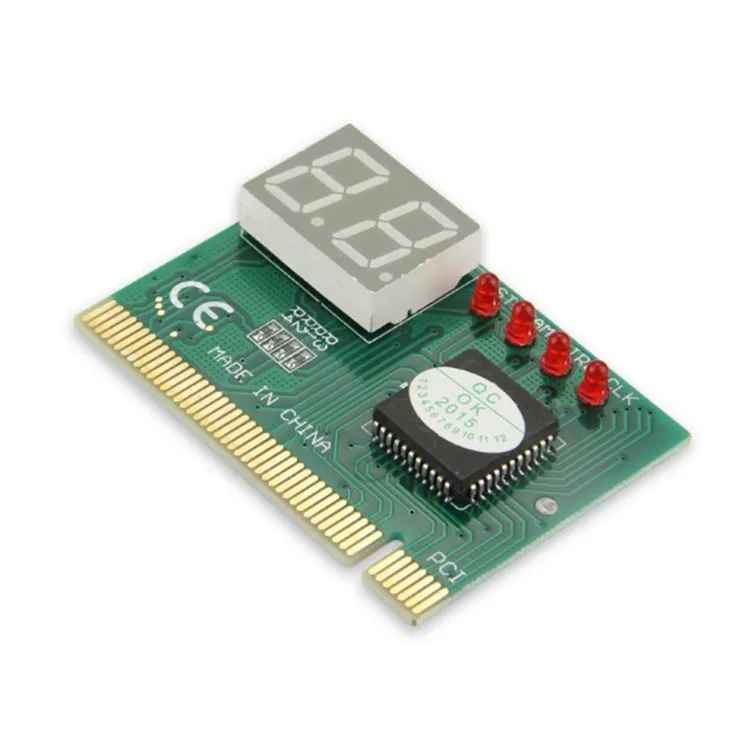
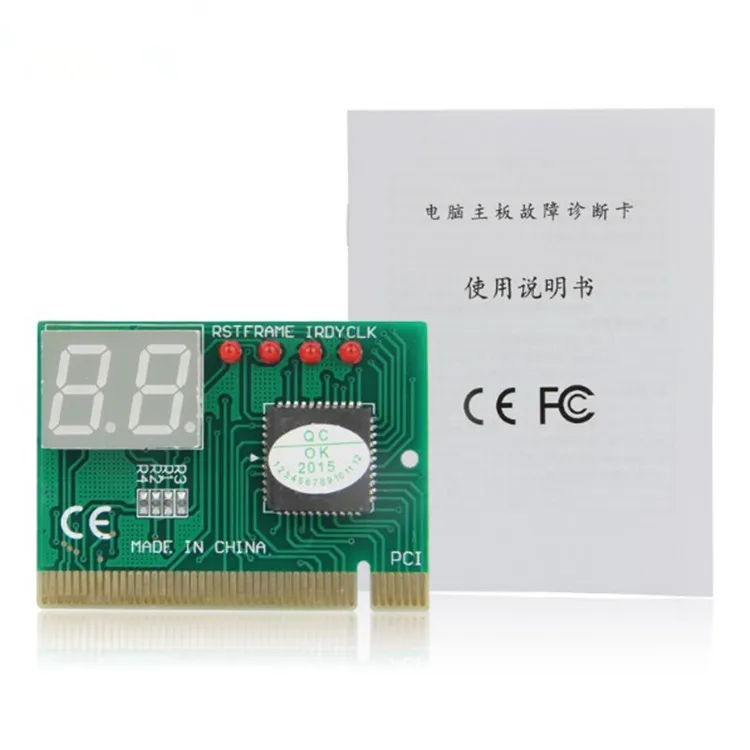
Baby introduction:
★ Suitable for desktop computers
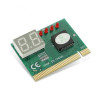
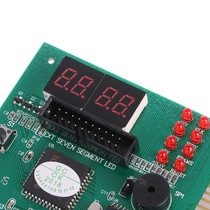
★ Using two-bit fault code display;
★ two-bit code diagnostic card as long as the display of "00" or "FF", that is, the "start code". No need to use the human eye to distinguish "00"
or "FF" before going through other codes.
It can test the PCI and ISA bus speed of the motherboard; help you buy a motherboard without losing money and help you sell a fast bus speed
You will be able to sell your motherboard at a good price;
★ Can test the diagnostic card itself failure;
★ fully compatible with 286 to P Ⅳ high, medium and low-grade motherboards, fault codes more accurate and credible, not dead;
★ repeatedly check the code function, the code will no longer be a flash. You press the switch once then go a code on the pause;
★ instructions have been updated, the content is more complete and accurate, optional Chinese or English;
★ the use of SMD components do not hurt the hands;
★ with a beeping function to report obstacles;
★ The card can be inserted into the ISA, can also be inserted into the PCI; ★ inserted into the wrong slot or inserted into the reverse;
★ inserted into the wrong slot or inserted into the reverse power does not burn any parts;
★ can show the black screen under repeated automatic reset of the dead machine;
★ not inserted CPU and other empty board power can diagnose the important signal situation in the board
Diagnostic card is also called POST card (Power On Self Test), its working principle is the use of the main BIOS content self-test program
The test results are displayed one by one through the code, and combined with the code meaning of the computer motherboard diagnostic card quick checklist will quickly know where the computer failure is.
The computer can quickly know where the computer failure. Especially when the PC can not boot the operating system, black screen, the speaker does not call, the use of this card more
It is a very convenient way to get the most out of your PC.
The BIOS is used to test the system circuitry, memory, keyboard, video part, hard disk, floppy drive and other components every time you turn on the computer.
The BIOS performs a rigorous test on each component of the system, memory, keyboard, video part, hard disk, floppy drive, etc., and analyzes the system configuration, initializes the basic I/O settings that have been assigned, and after everything is normal, then
After everything is normal, the operating system is introduced. The distinctive feature is that the critical components are tested first, using the presence or absence of the cursor as a dividing line. Critical
A failure of a critical component forces the machine to shutdown, and if the display does not have a cursor, the screen does not respond. Then, the non-critical components are tested.
The machine continues to run if there is a fault, and the display shows an error message. When the machine fails, especially a critical failure, the screen will not respond.
When the machine is malfunctioning, especially critical malfunctions, and there is no display on the screen, insert this card into the expansion slot. According to the code displayed on the card, the
Combined with the computer motherboard fault diagnosis card fault code list, you can clearly know where the fault lies.
Features:
Simply plug it into a PCI or ISA slot and you will have a comprehensive and complete diagnostic test of your computer hardware. Let the faulty parts be under your control.
The purpose of the diagnostic card is to easily and quickly overhaul and discover computer hardware problems. It can help us to find the problematic hardware more quickly and accurately when the computer fails, no matter you are a development engineer, maintenance engineer or beginner or general user, as long as you have it, it can show you the exact parts of the computer hardware failure, so that you can quickly and correctly troubleshoot the computer and deal with computer problems.
Installation guide:
Insert the diagnostic card into the PCI or ISA slot of your computer's motherboard. Turn on the power supply can be based on the digital code displayed on the diagnostic card, according to the distribution of the "instruction manual" inside the code meaning table, you can know what part of the hardware problems, from now on no longer need to use the substitution method for the display, graphics cards, memory, CPU sequential generation can determine the faulty parts.
Technical parameters:
Bus interface: 32-bit standard PCI or 8-bit ISA interface;
digital display: 7bit digital display, display fault codes, two-point display 5V and reset signal;
Indicator lights:
1, -12 LED : -12V power supply indication.
2,+12 LED : +12V power supply indication.
3,CLK LED : CLK signal indication.
4,OSC LED: OSC signal indication.
5,IRDY BIOS LED : Read BIOS indication.
6,3.3V/-5V LED : 3.3V/-5V backup power supply indication.
Applicable to:
All computers with PCI or ISA interface.





 Ship from Local Warehouse
 Free Shipping
over $10
Delivery byTuesday, December 30, Order within
Free Shipping
over $10
Delivery byTuesday, December 30, Order within

 Security & Privacy
 FREE Return