

Deliver to
 Ship from Local Warehouse
 Free Shipping
Delivery byMonday, December 29, Order within
Free Shipping
Delivery byMonday, December 29, Order within
Shipped By:
 Fast Delivery
 Security & Privacy
 FREE Return
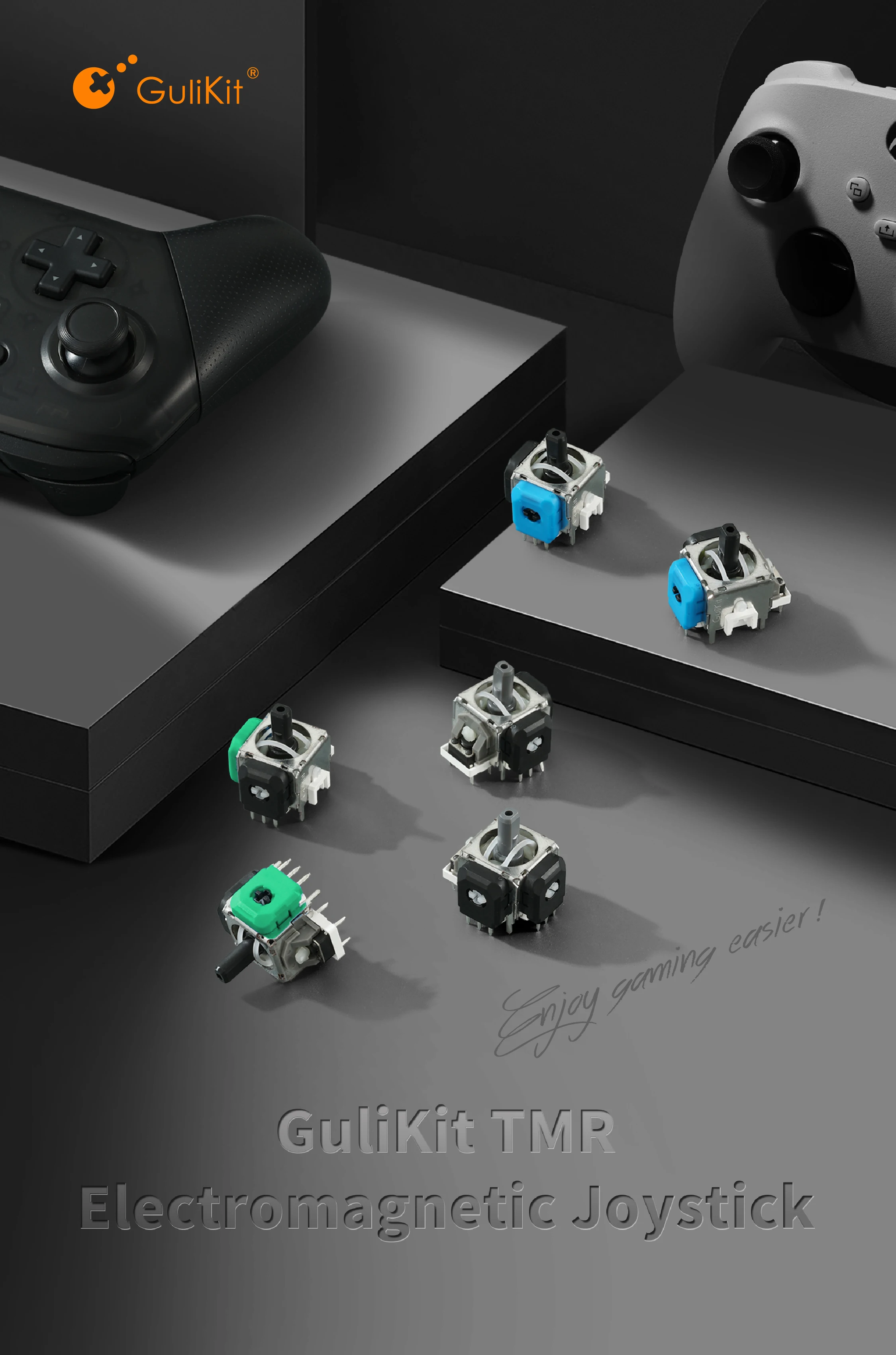
GuliKit TMR Electromagnetic Joystick :The kit is only for repair use on game controllers.Direct Replacement Installation, Without Requiring Any Circui…

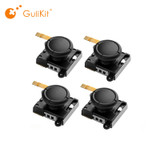


GuliKit TMR Electromagnetic Joystick :The kit is only for repair use on game controllers.
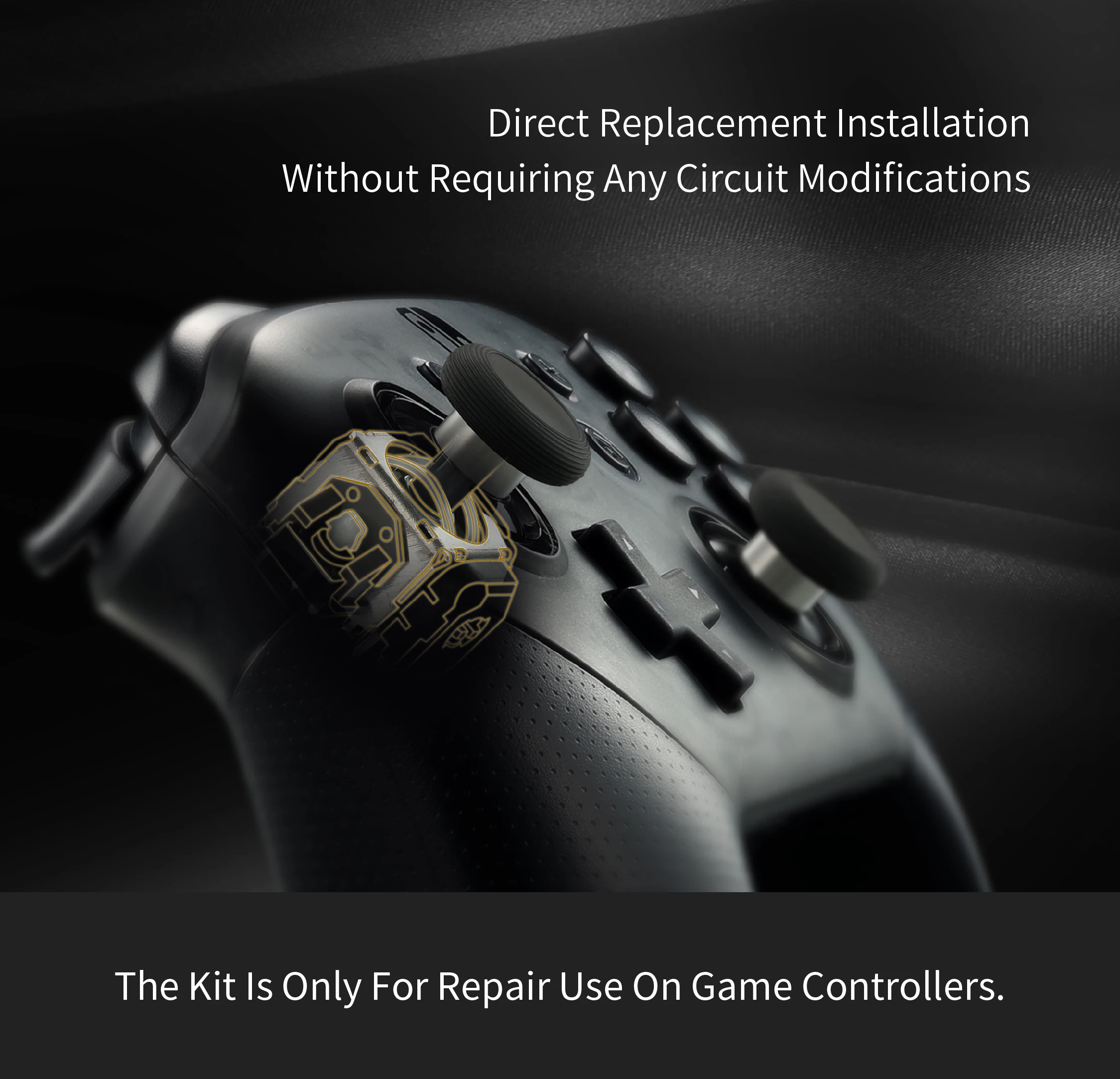
Direct Replacement Installation, Without Requiring Any Circuit Modifications.
Low Power Feature Same As Carbon Film Joystick.
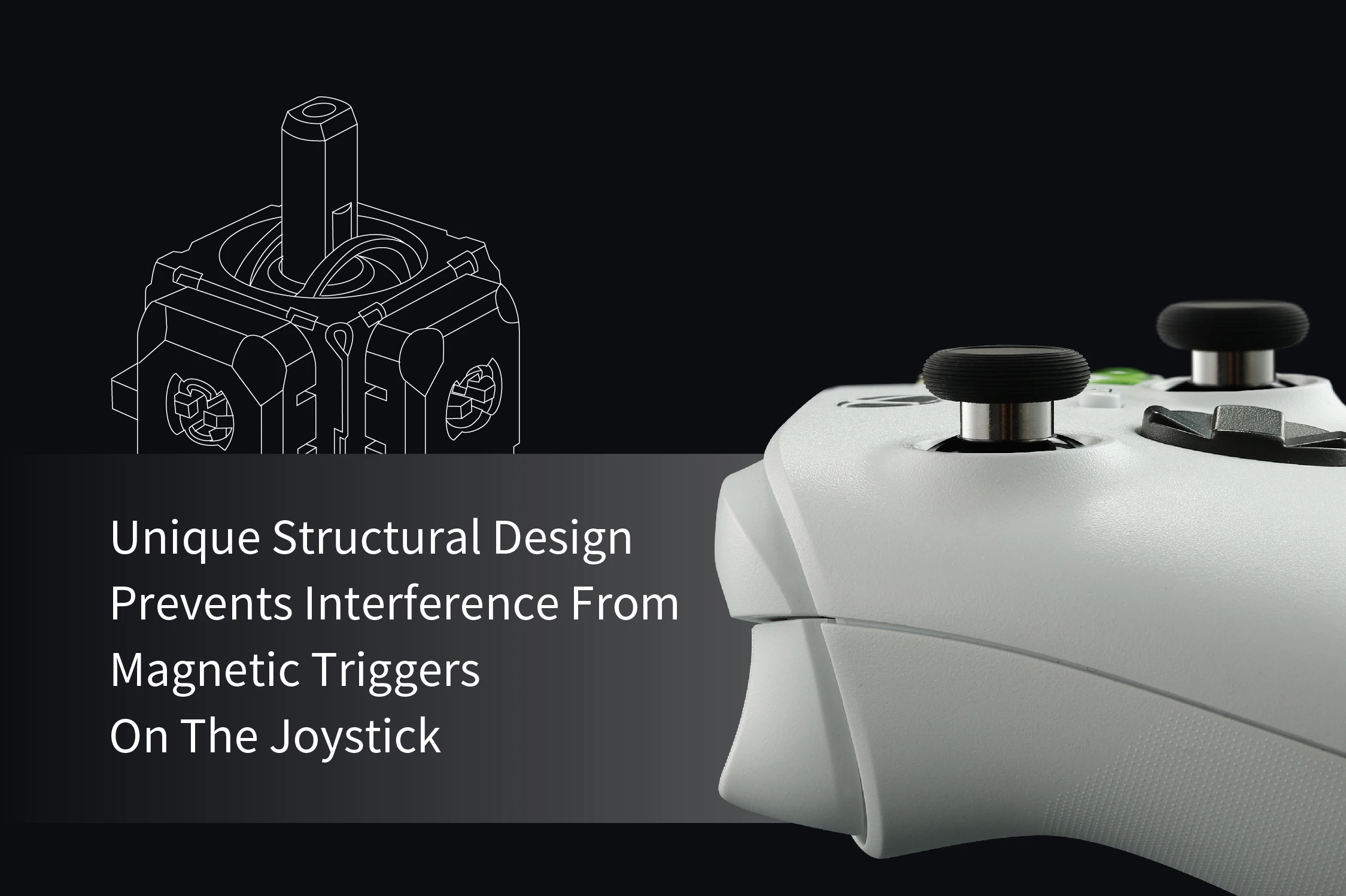
Unique Structural Design Prevents Interference From Magnetic Triggers On The Joystick.
High Duarability and Long Life by Contactless and Wear-Free TMR Sensor.
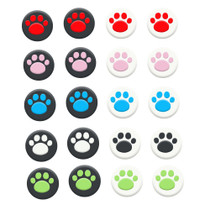
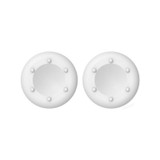
KK Ring Joystick Cap For Easy Stick Cap Replacement.
Super Smooth.






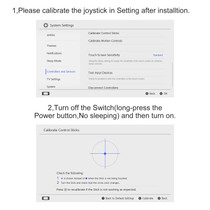
After replacing the joysticks, run joystick calibration as the ways below(Before calibration and testing, please install the controller cases and screws.):
For Switch Pro controllers, after replacing the joysticks, you can go to the Switch console's Settings -> Controllers and Sensors -> Calibrate Joysticks, and follow the instructions to calibrate the joysticks.
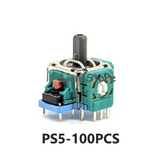
For PS4 DualShock and PS5 DualSense controllers, after replacing the joysticks, you can use the third-party open-source calibration tool at https://dualshock-tools.github.io to calibrate the joysticks.
For Xbox Series controllers, after replacing the joysticks, you can go to the XBOX console or download the "XBOX Accessories" software from the Microsoft Store on PC, then find the "Recalibrate" option and follow the instructions to calibrate the joysticks.