Zoom the image with the mouse

Rii X8+ Mini Keyboard With Touchpad For Android TV Box Smart TV/PC/Ipad Voice Search LED Backlit RU/US Keyboard Wireless

Limited Time Offer
Choice Trending
Now: $18.37
Was: $26.24
-30% Now

Deliver to

Ship from Local Warehouse
Adding to cart… The item has been added

Rii X8+ Mini Keyboard With Touchpad For Android TV Box Smart TV/PC/Ipad Voice Search LED Backlit RU/US Keyboard Wireless

Now: $18.37
Was: $26.24

Rii X8+ Mini Keyboard With Touchpad For Android TV Box Smart TV/PC/Ipad Voice Search LED Backlit RU/US Keyboard Wireless

Now: $18.37
Was: $26.24
Free Shipping Delivery byTuesday, December 30, Order within

Shipped By:

Fast Delivery
  • $5.00 coupon code if delayed
  • Refund if package lost
  • Refund if items damaged
  • Refund if no delivery in 30 days
SKU: AE12000029862160802
Brand: Rii Official Store
Security & Privacy
  • Safe payments: We do not share your personal details with any third parties without your consent.
  • Secure personal details: We protect your privacy and keep your personal details safe and secure.
FREE Return
Shop sustainably

(New arrival 2022) Multi-language Rii X8+ 2.4GHz Mini Russian/English Wireless Keyboard with Touchpad Mouse Combo, Voice Search LED Backlit, Rechargab…

Description

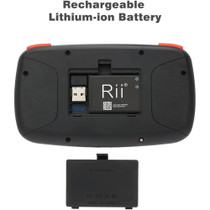
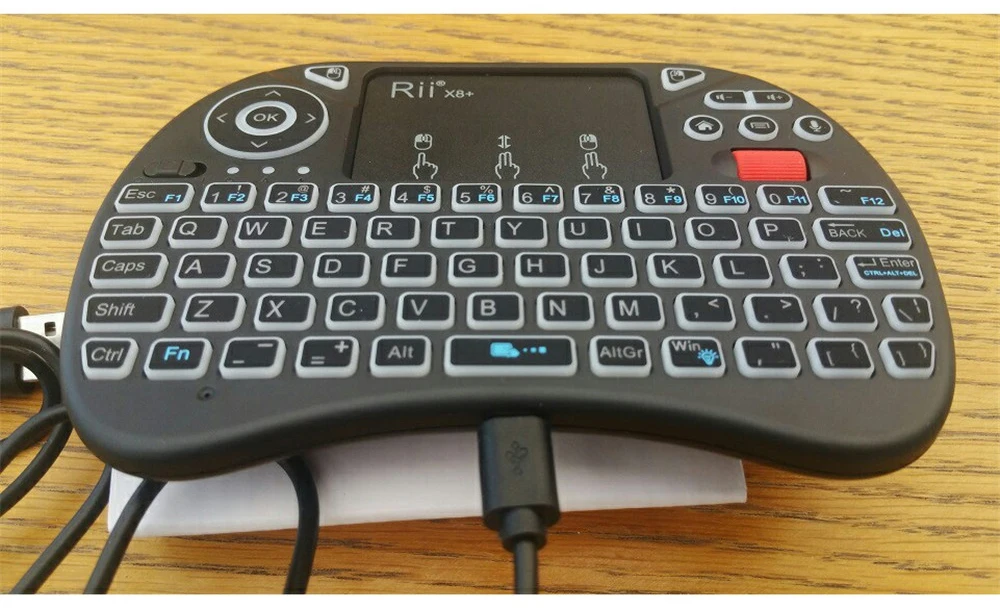
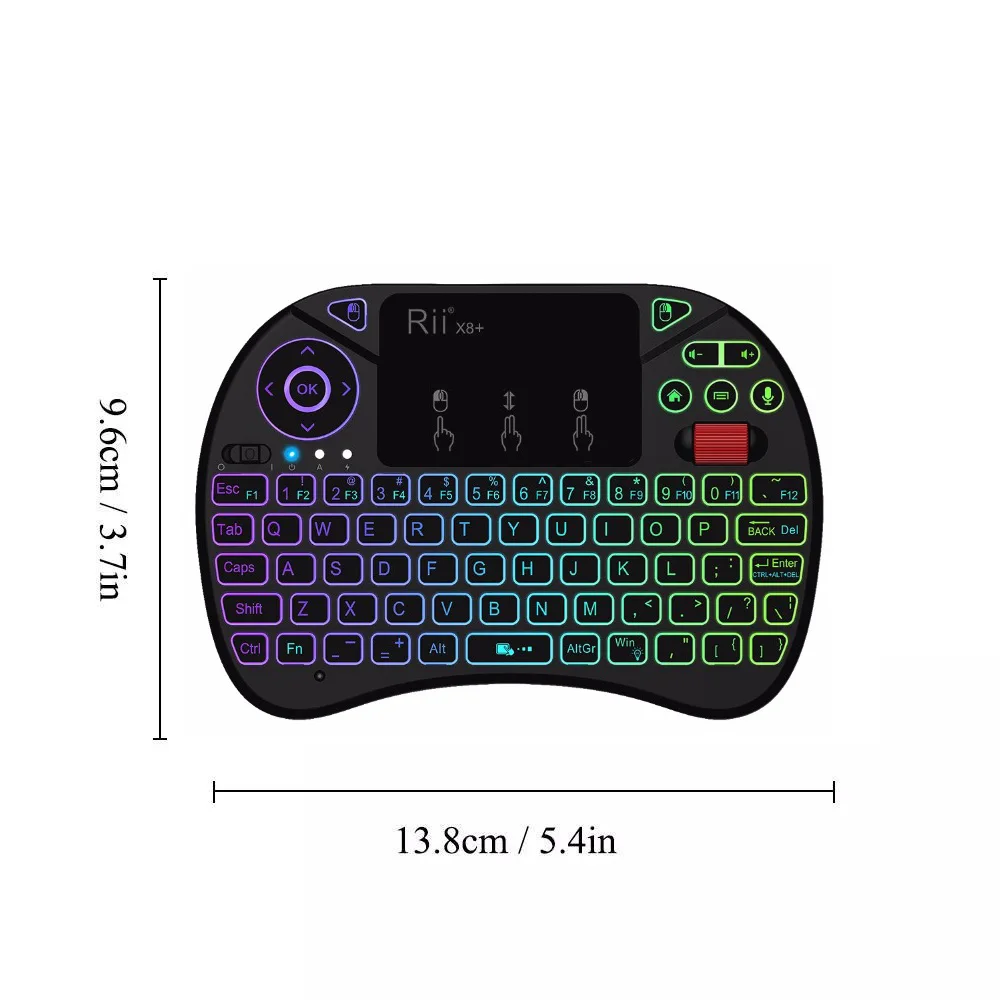
(New arrival 2022) Multi-language Rii X8+ 2.4GHz Mini Russian/English Wireless Keyboard with Touchpad Mouse Combo, Voice Search LED Backlit, Rechargable Li-ion Battery-Black,changeable backlight
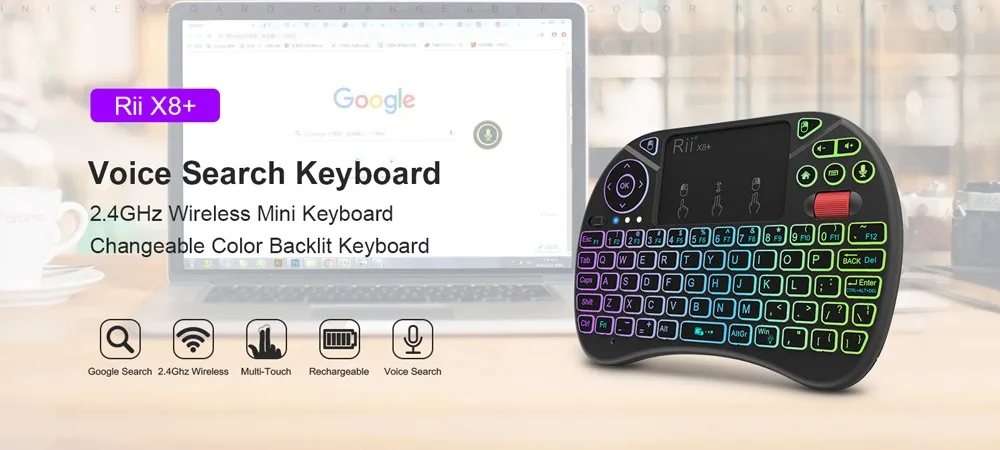
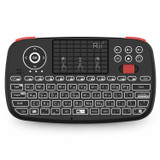
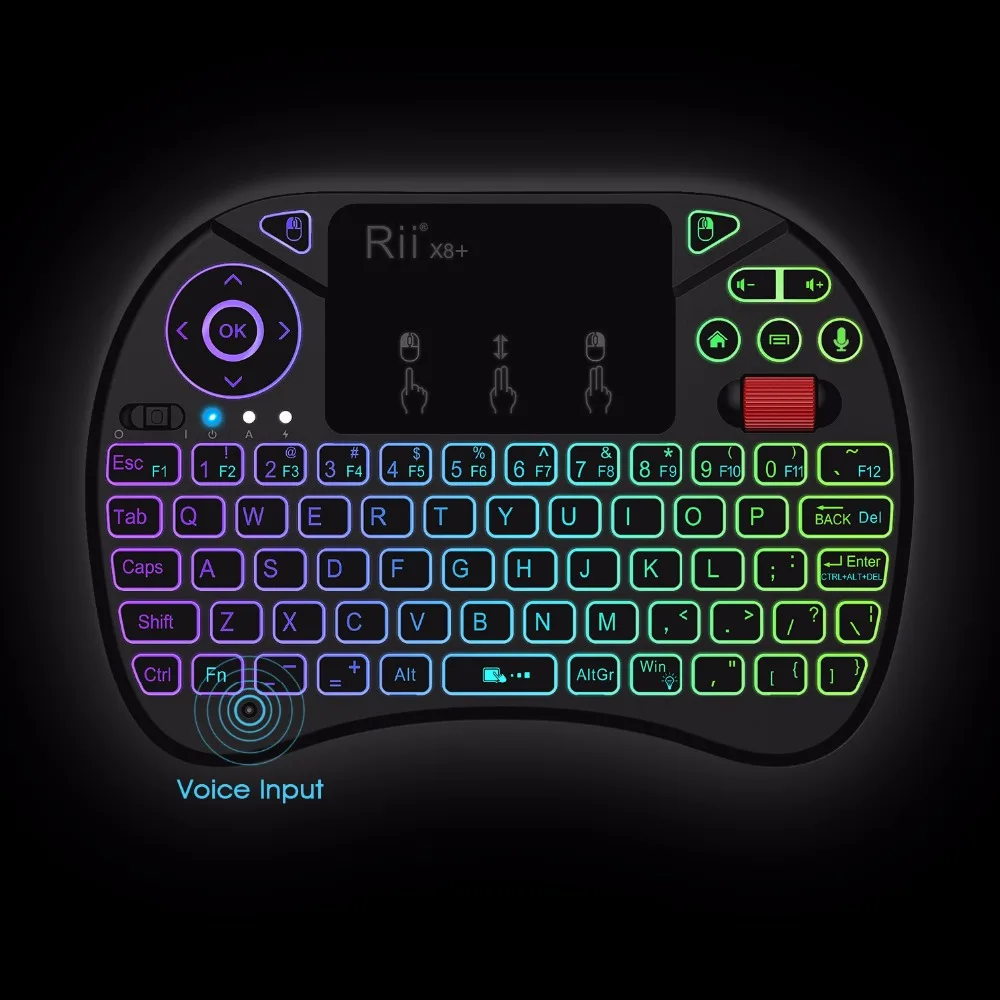
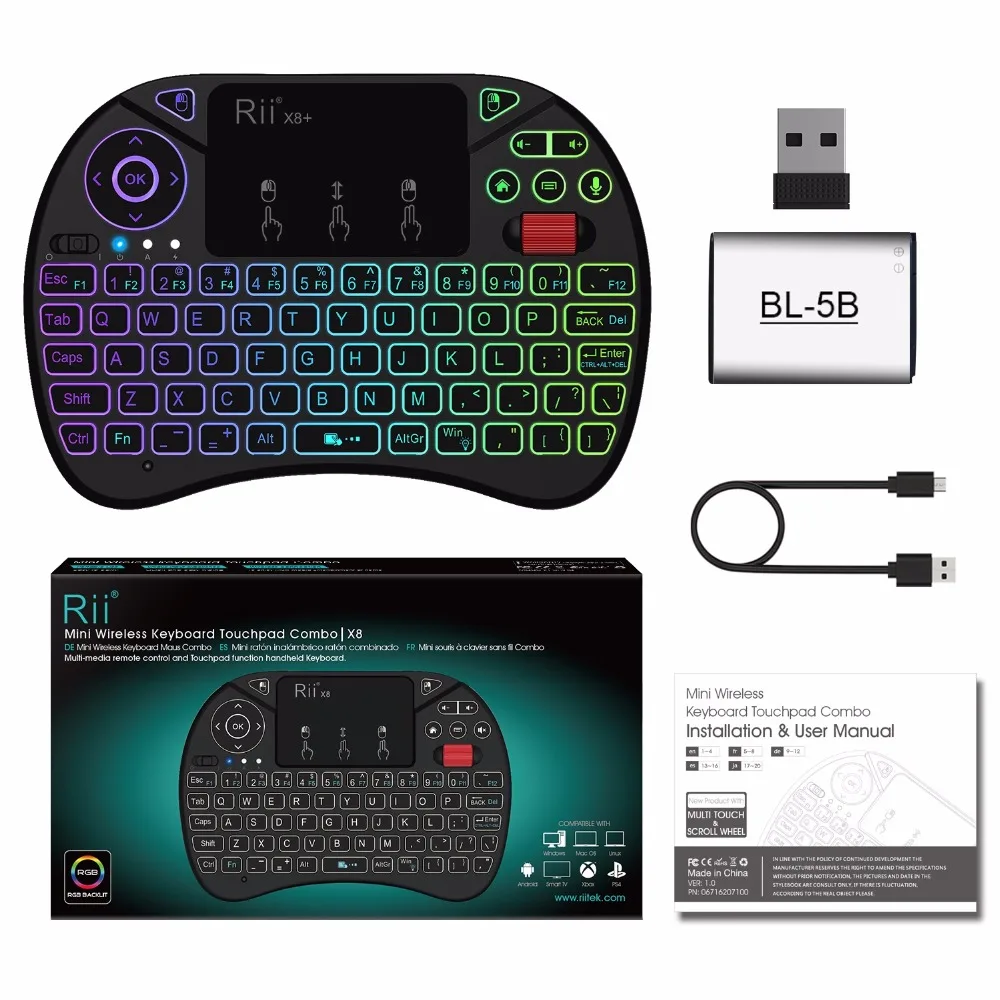
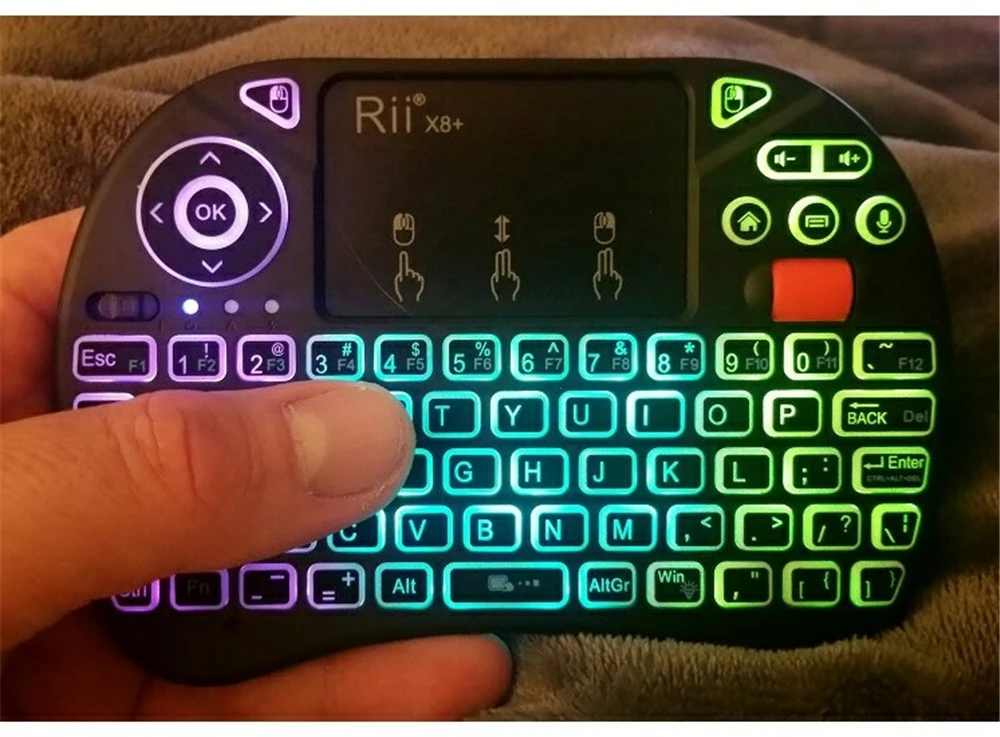
  1. Rii X8+2.4GHz Mini Wireless keyboard with Touchpad mouse Combo,Backlit LED with USB interface adapter.
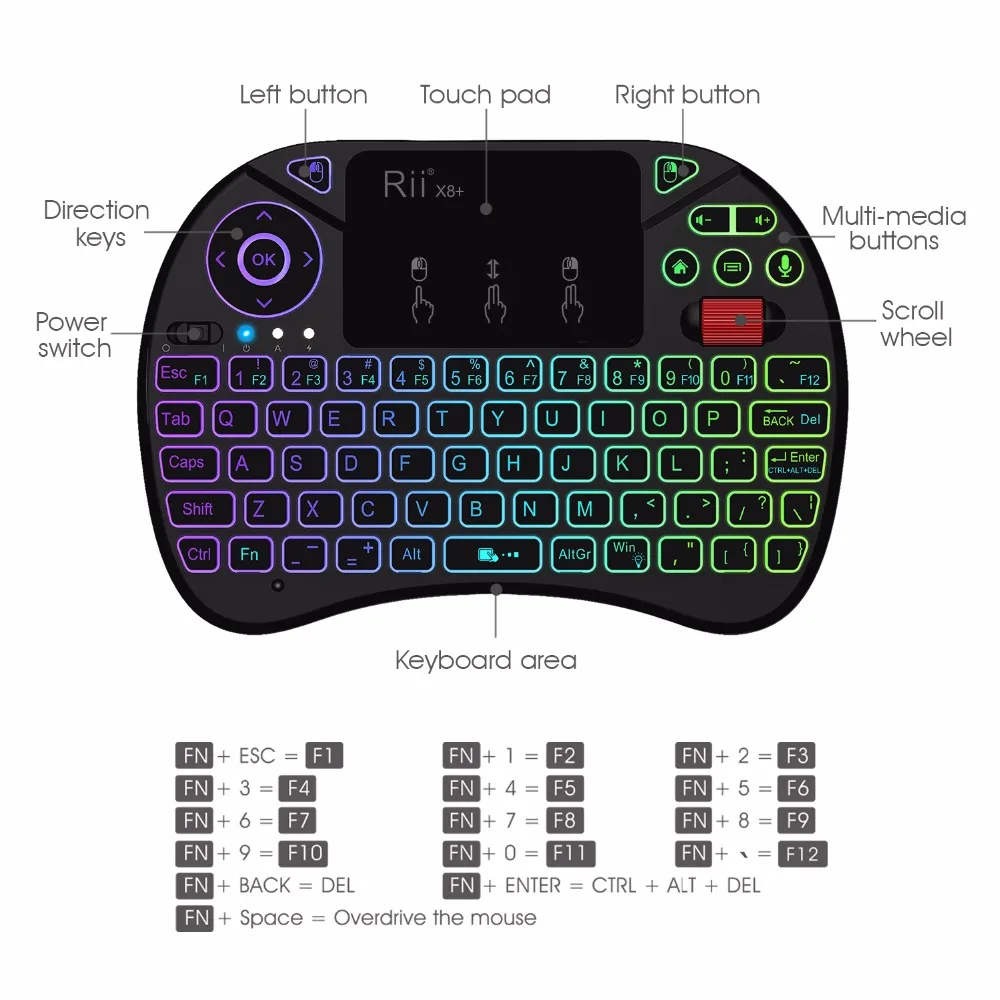
  2. New features than i8+:Multi-media buttons,Direction keys ,Power switch,Left and Right Buttons,Scroll wheel.
  3. This Touchpad supports multi-finger functions,A single finger click as left mouse click, two-finger click as the right mouse click, double finger drag as the rolling screen,Single finger functions as sliding pointer.

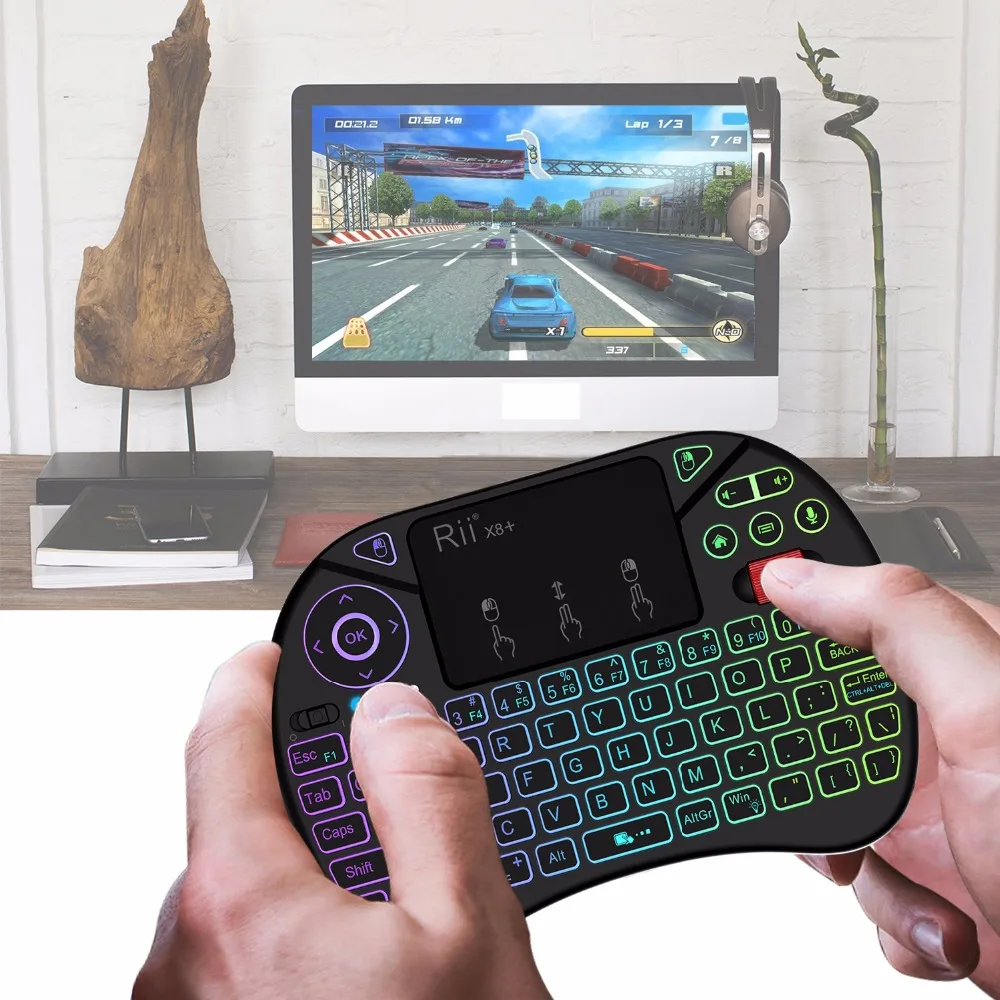
  4. Ideal for devices such as PC,Laptop,Raspberry Pi 2, Mac OS, Xbox 360, Xbox One, PS3, PS4, Google Android TV Box, HTPC, IPTV and so on.
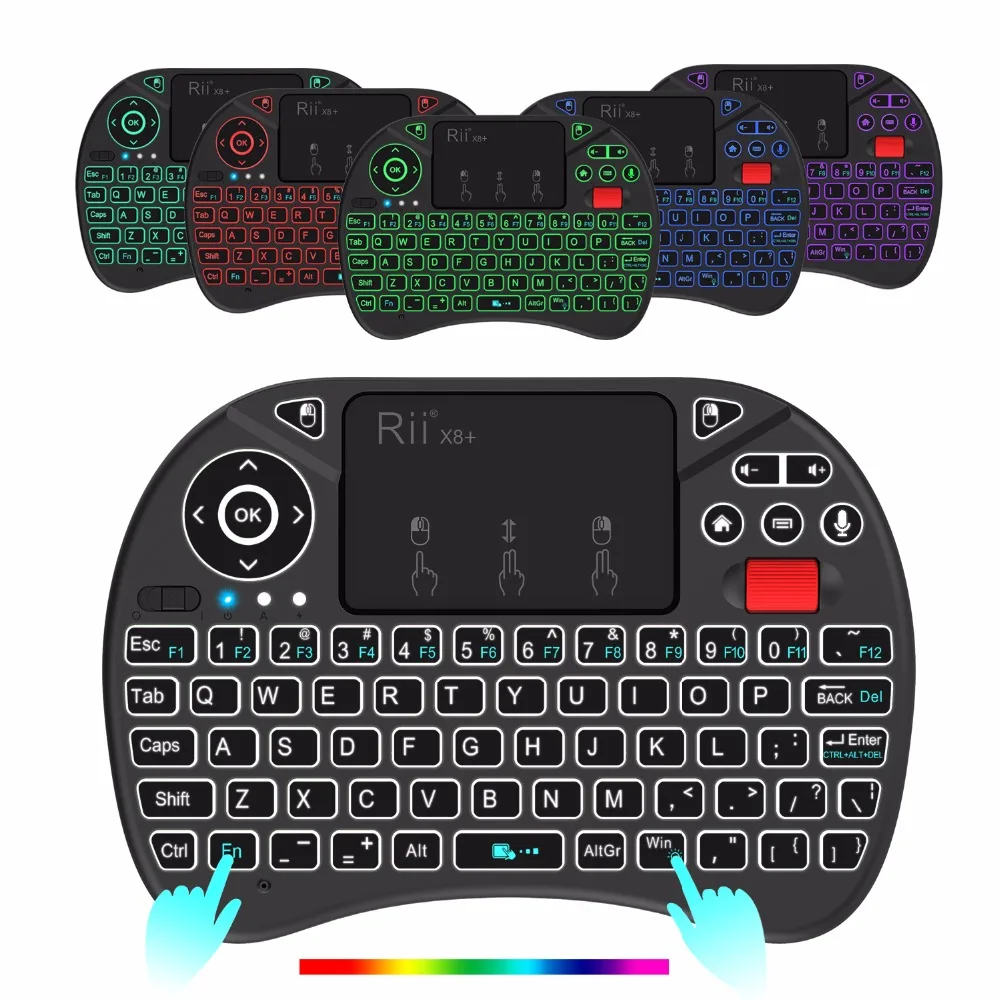
  5. Fn+Win to change or switch off the color of backlightpress the voice button to speak

Note:Please note that the Samsung newest smart TV doesn’t support all the functions of the standard keyboard and mouse