

Deliver to
 Ship from Local Warehouse
 Free Shipping
over $10
Delivery bySaturday, December 27, Order within
Free Shipping
over $10
Delivery bySaturday, December 27, Order within
Shipped By:
 Fast Delivery
 Security & Privacy
 FREE Return
Note:If you don't have this Zigbee gateway,please choose WiFi version!https://www.aliexpress.com/item/1005005236418545.htmlTuya 8-channel mobile …



Free Shipping above $10


Note:
If you don't have this Zigbee gateway,please choose WiFi version!
https://www.aliexpress.com/item/1005005236418545.html
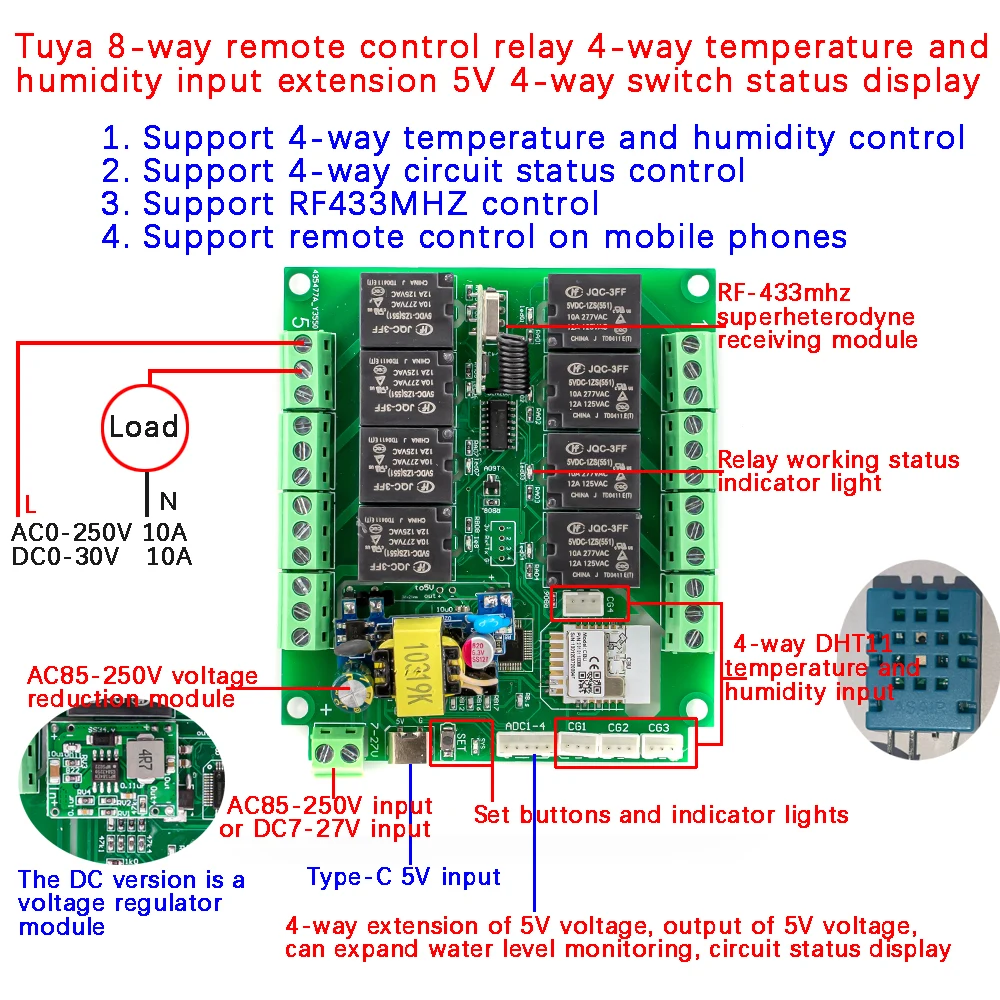
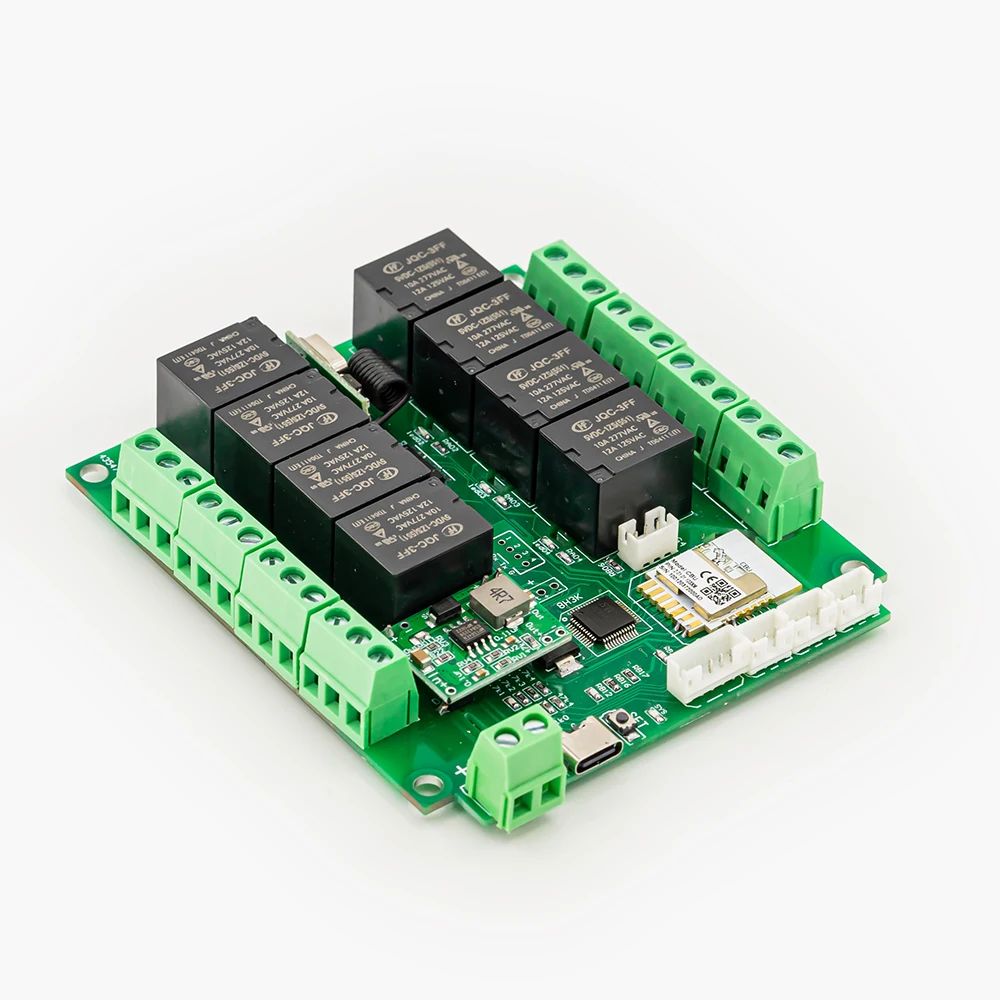
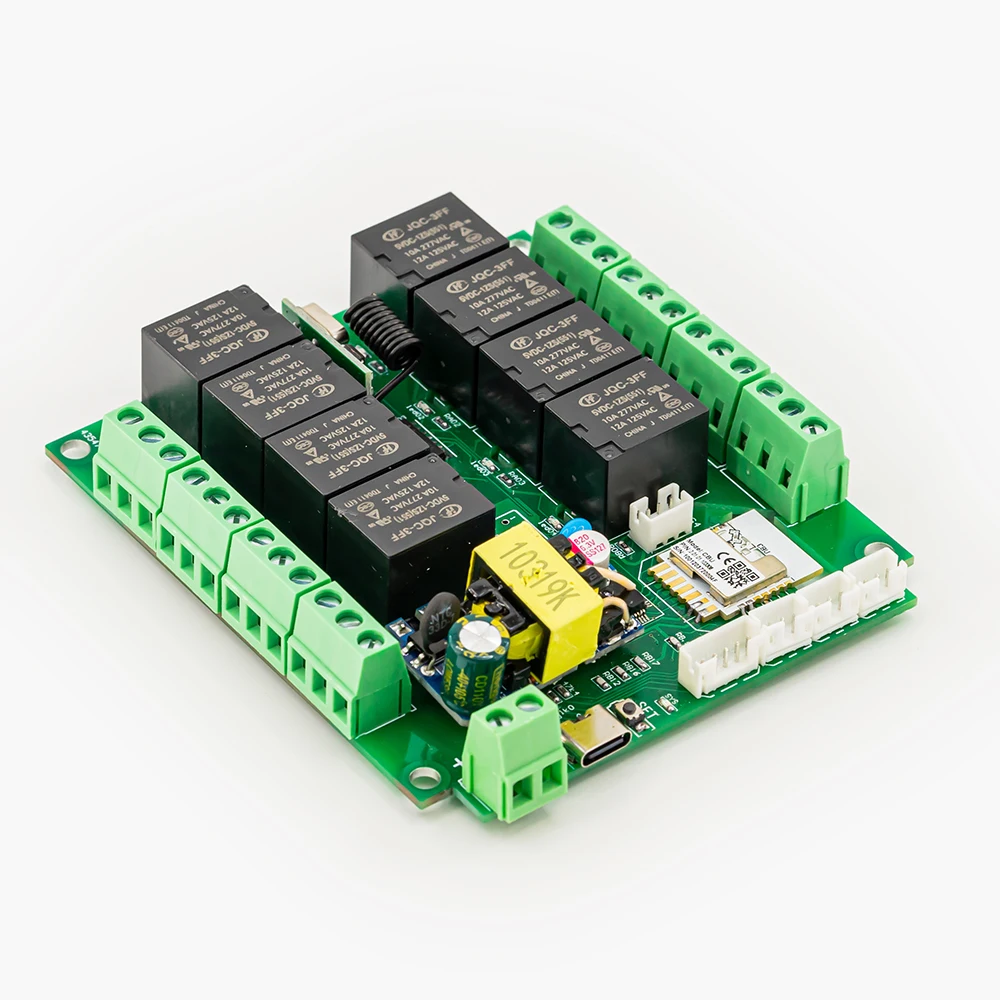
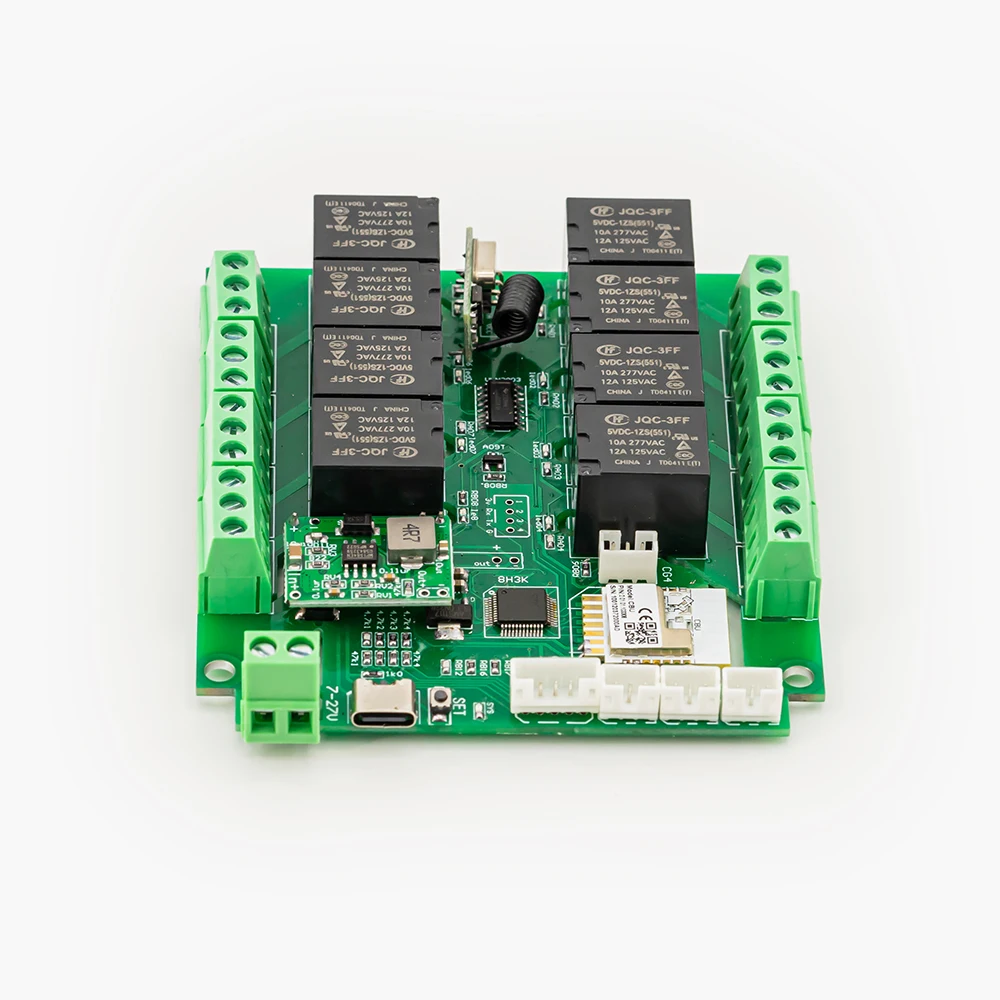
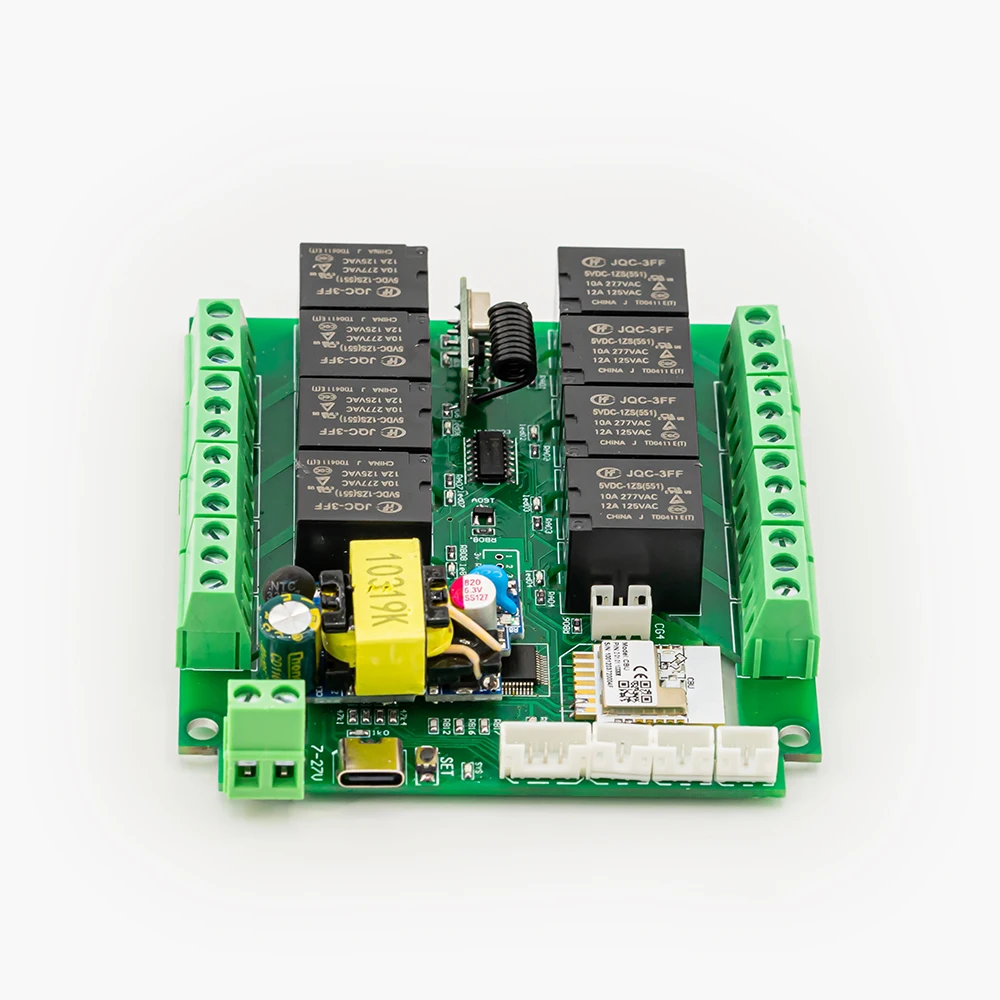
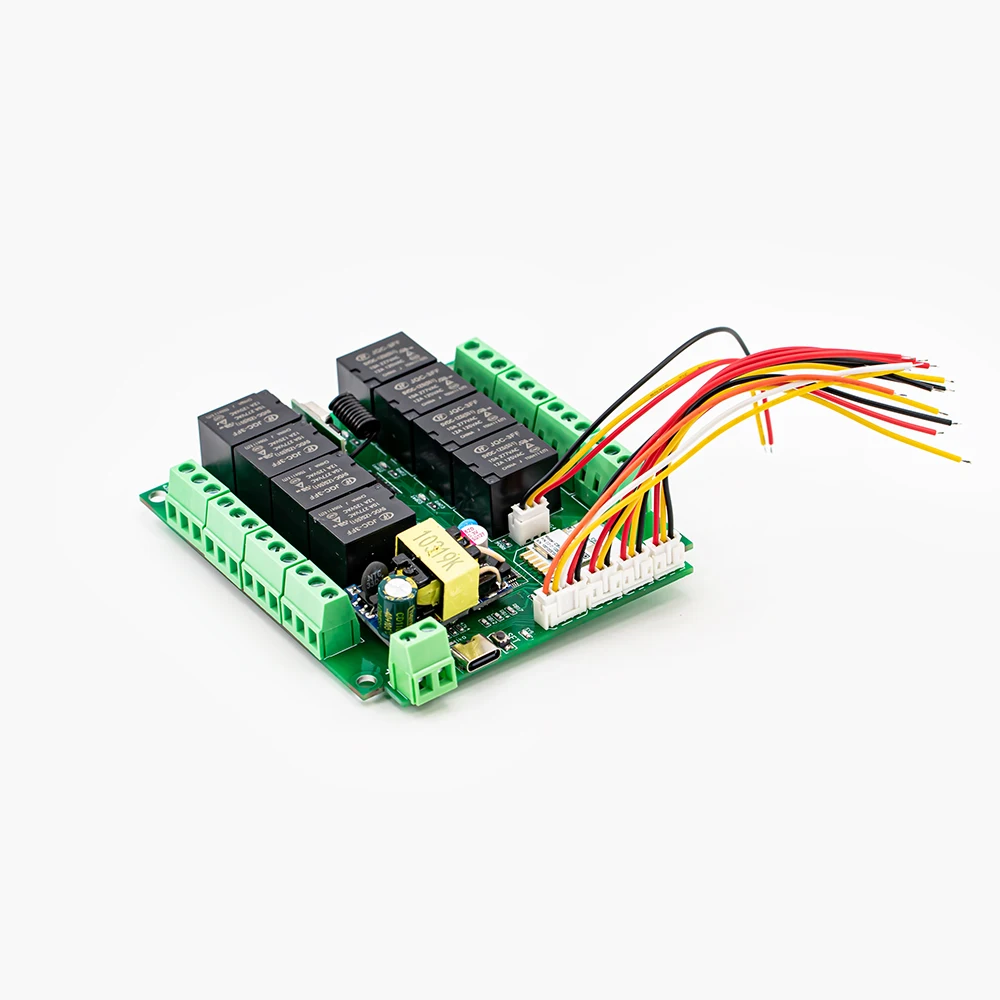
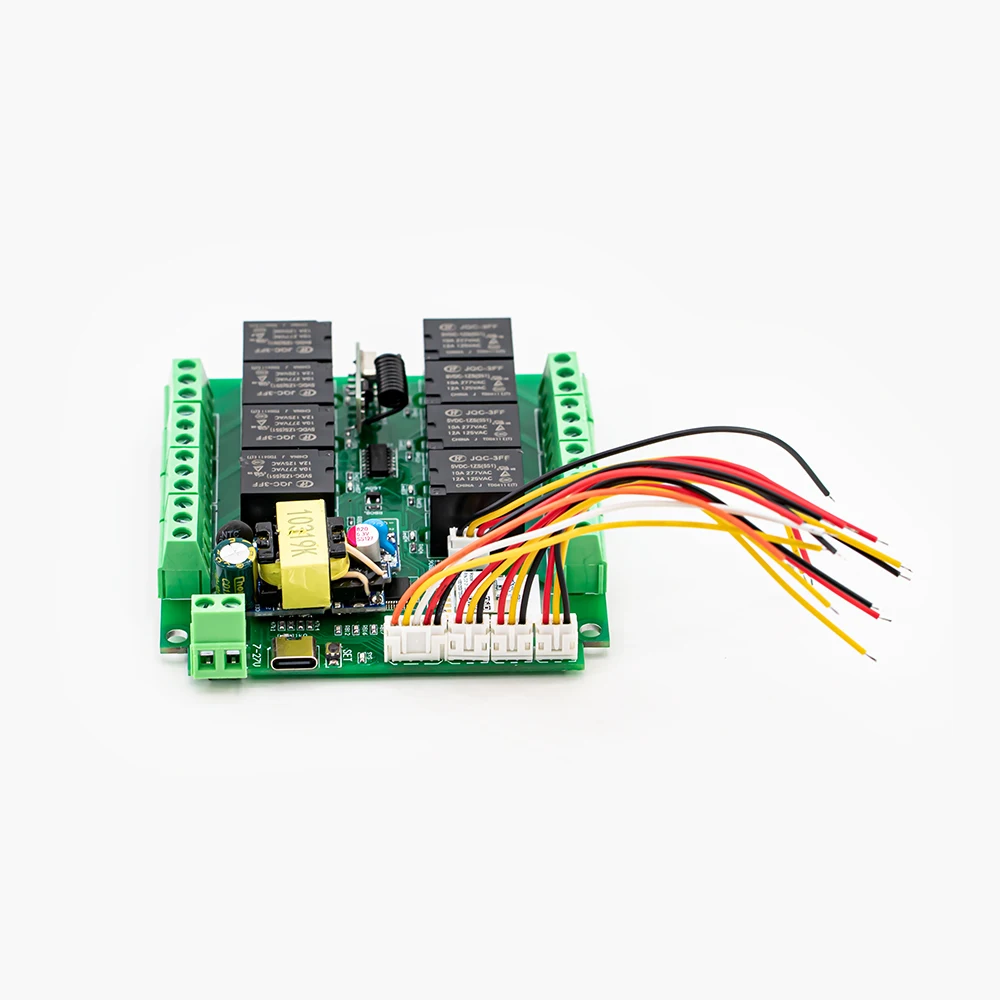
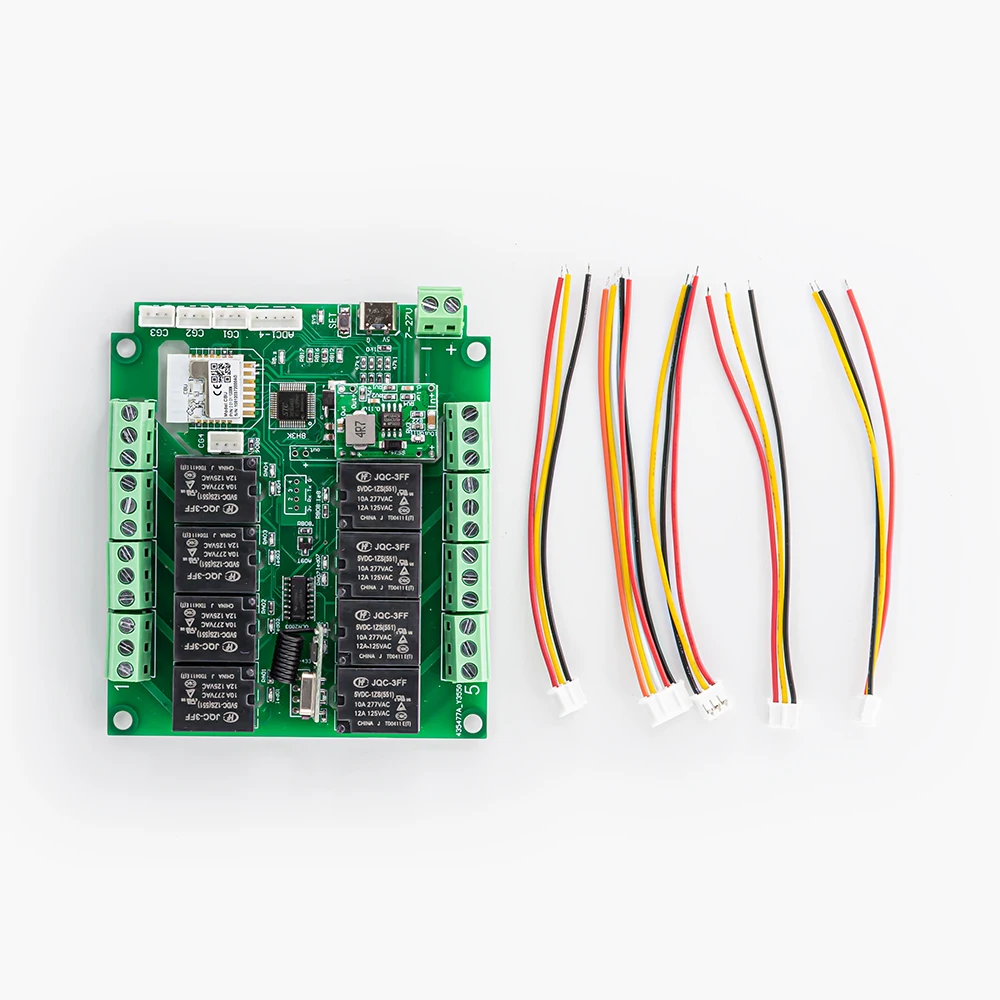
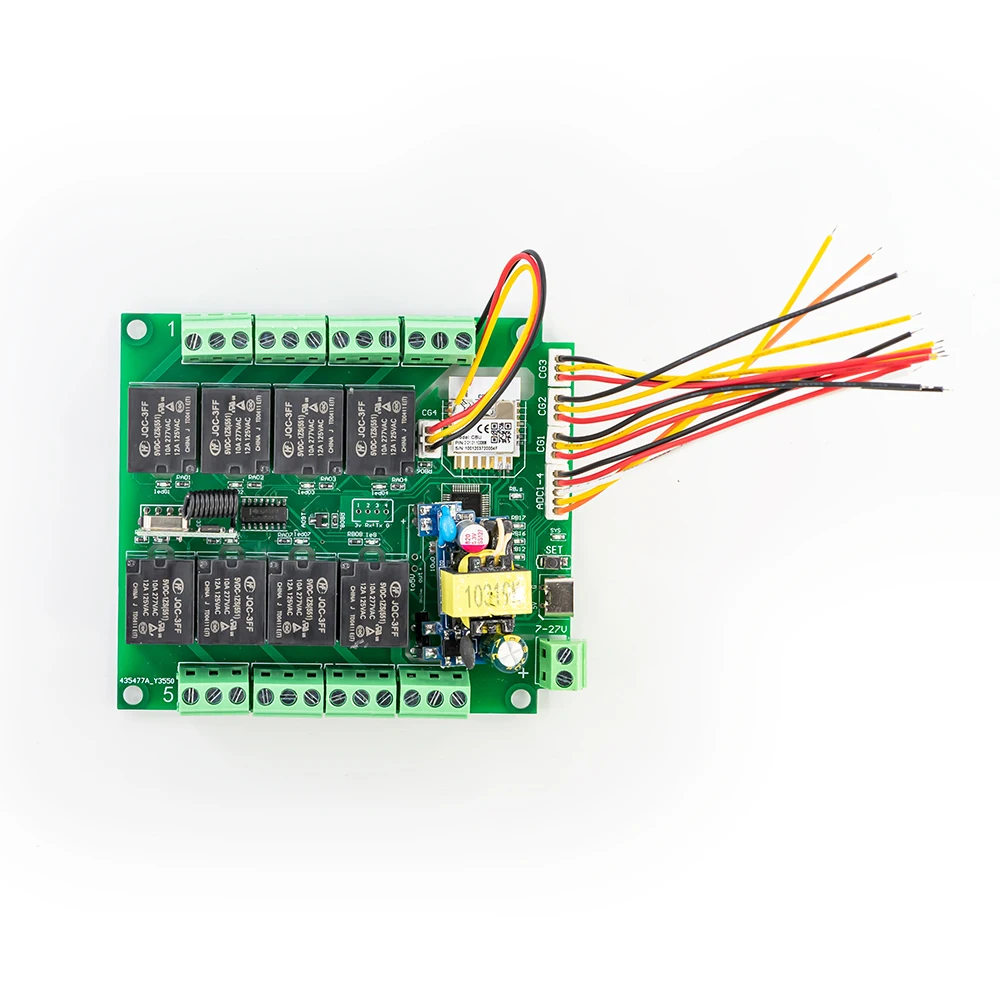
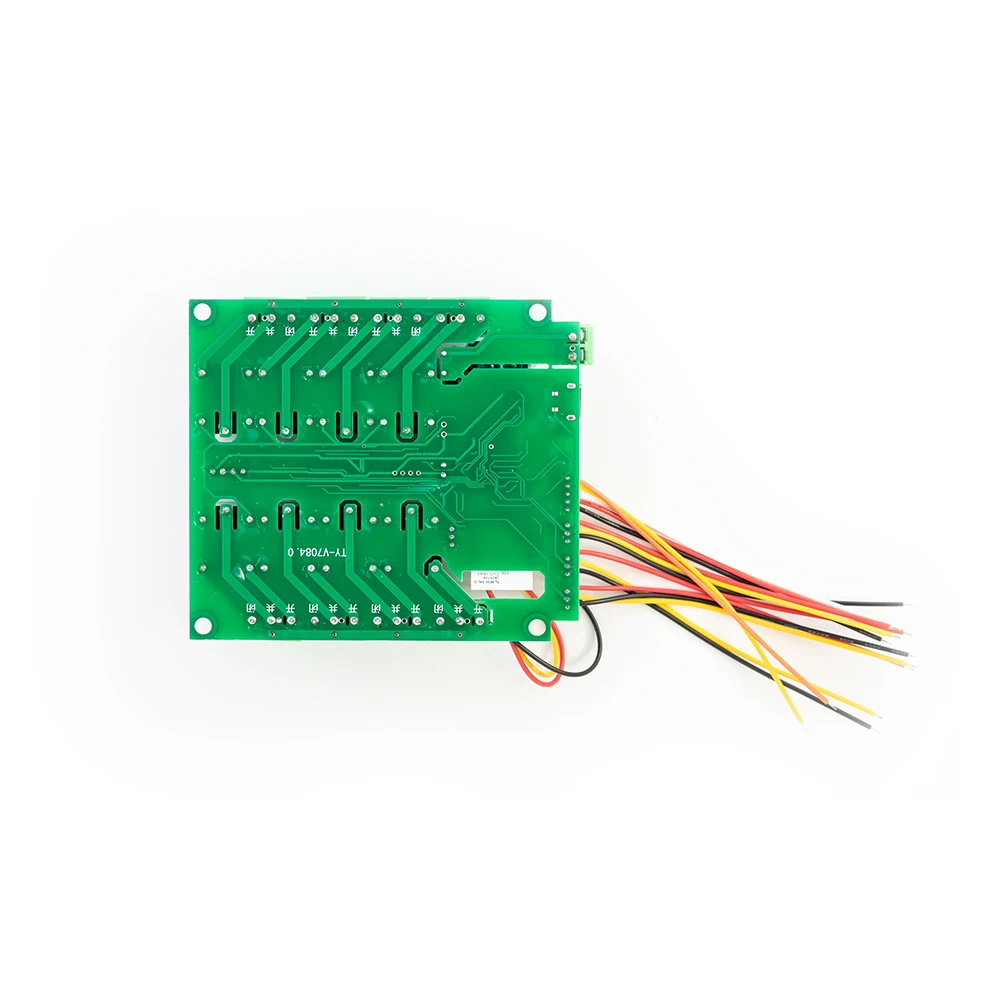
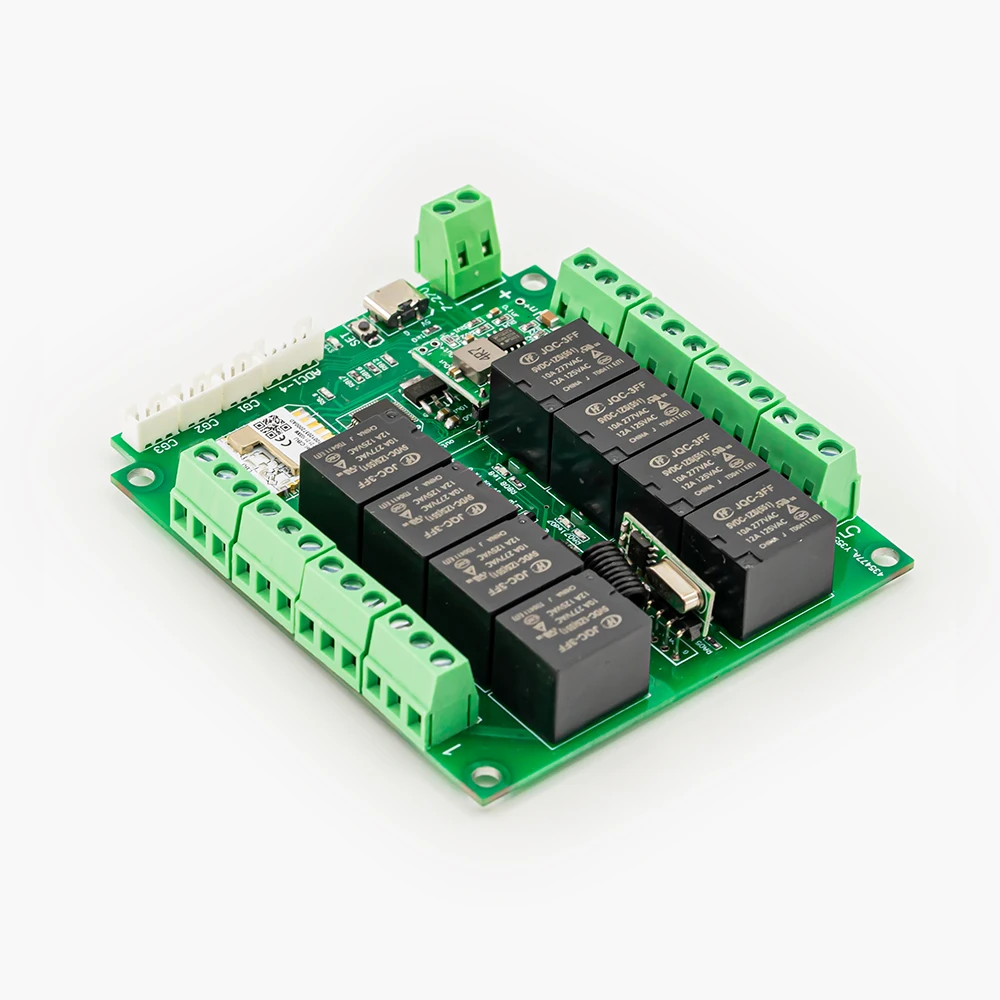
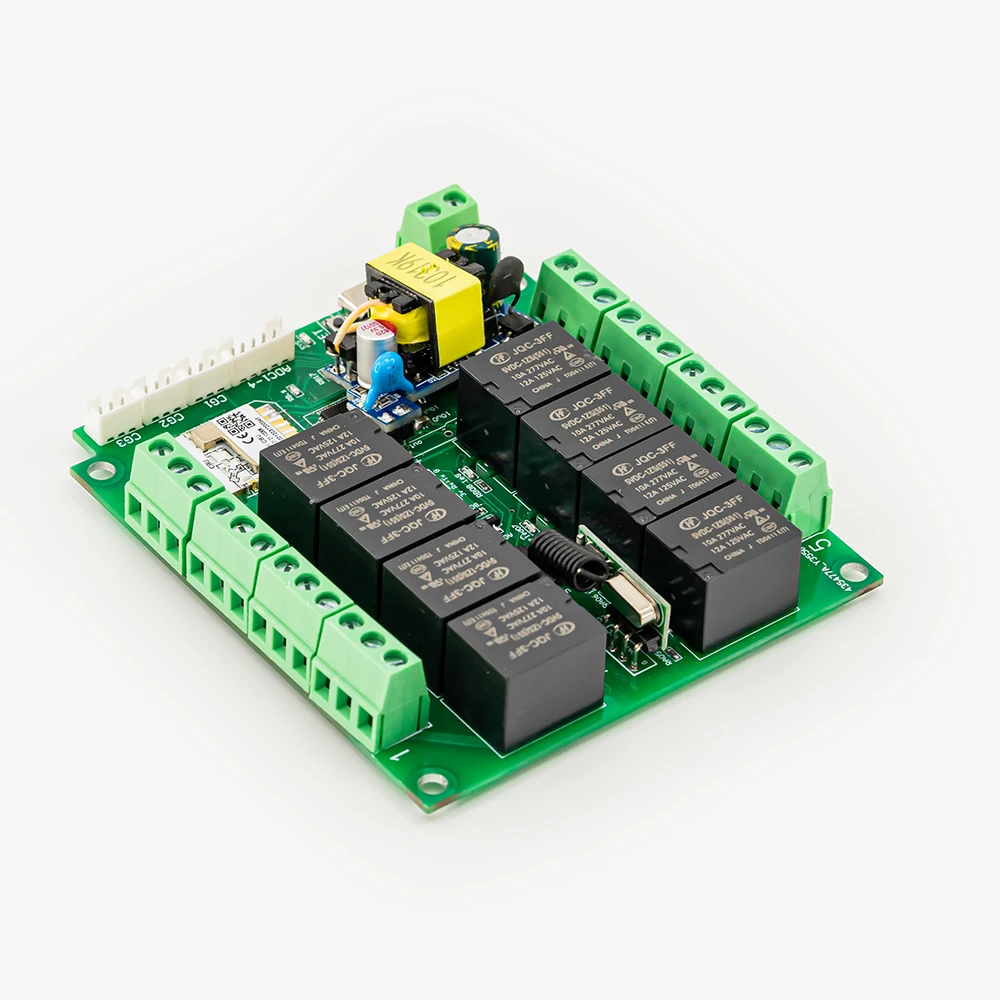
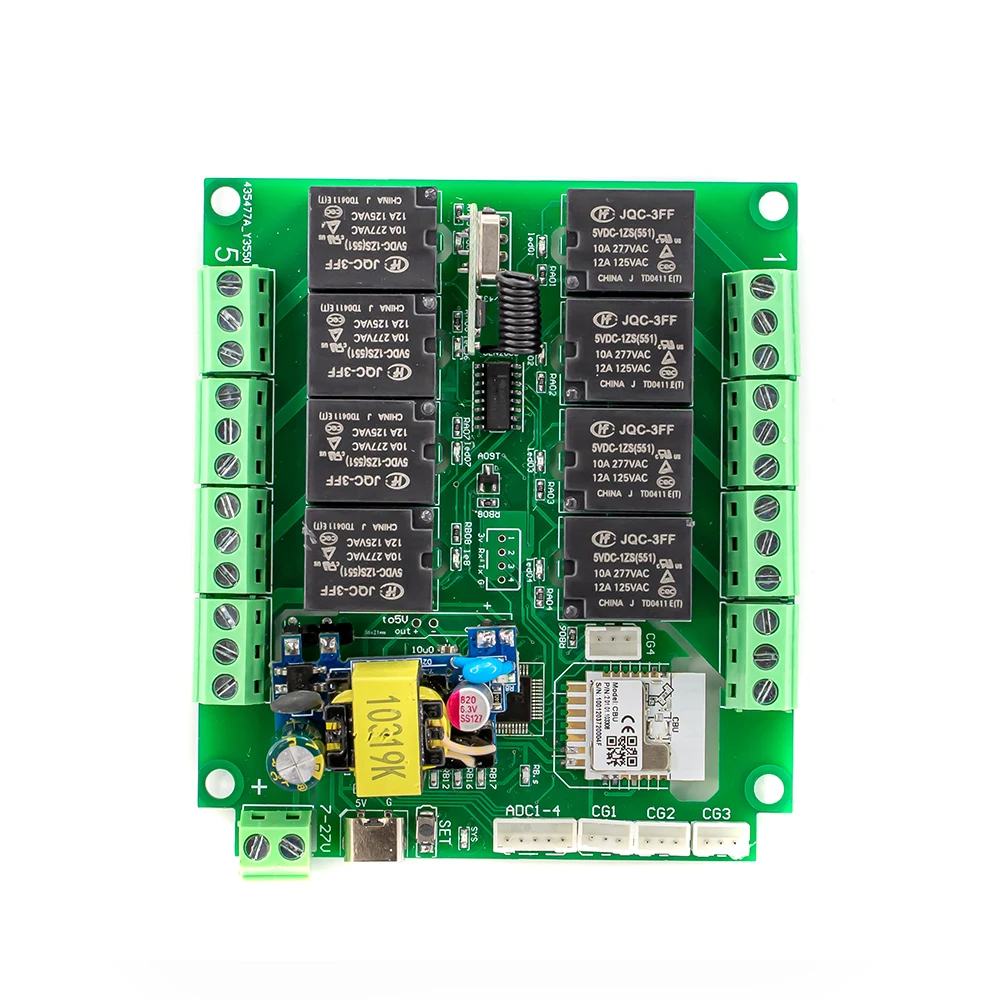
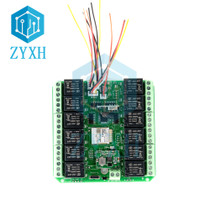
Tuya 8-channel mobile phone remote control wifi/zigbee smart relay module supports 4-channel temperature and humidity input, supports 4-channel circuit status monitoring, and can expand water level monitoring
Module working voltage: DC7-27V; AC85-250V
Whether to support USB power supply: TYPE-C 5V
Relay maximum load circuit voltage: AC250/10A; DC30V/10A
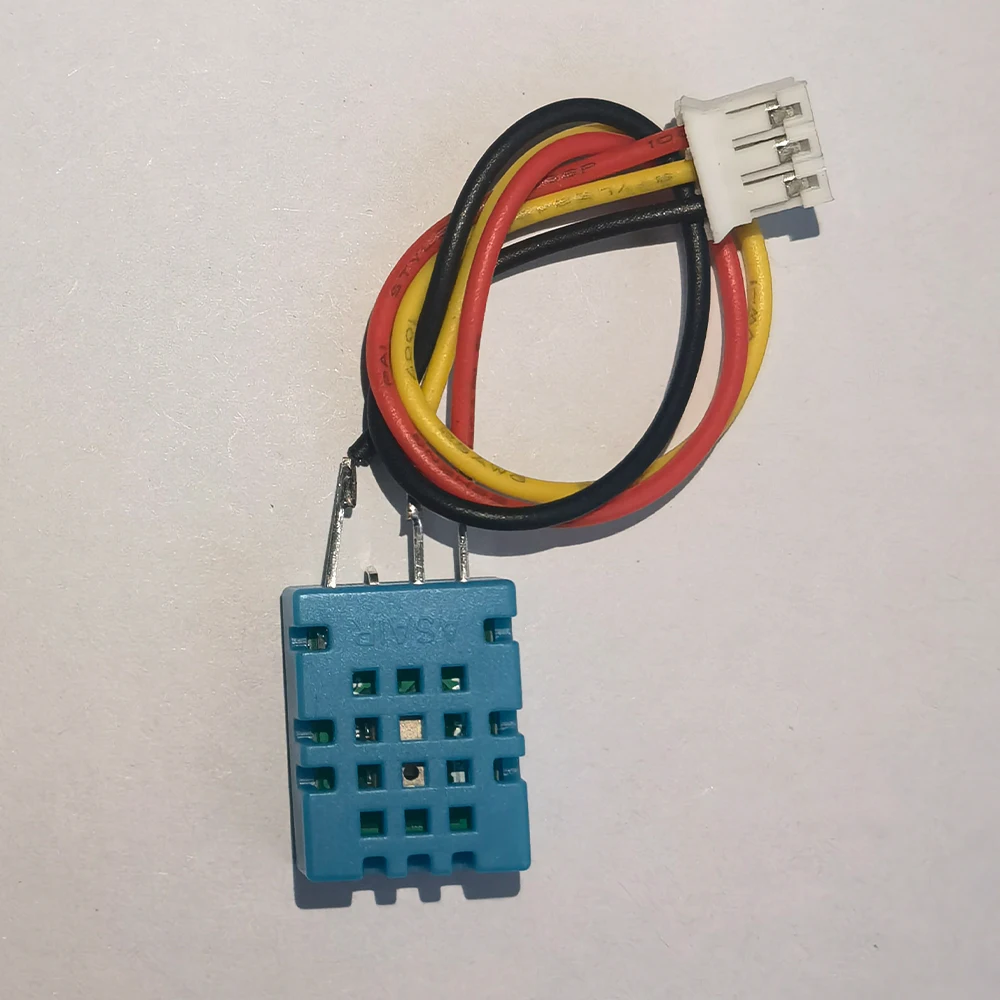
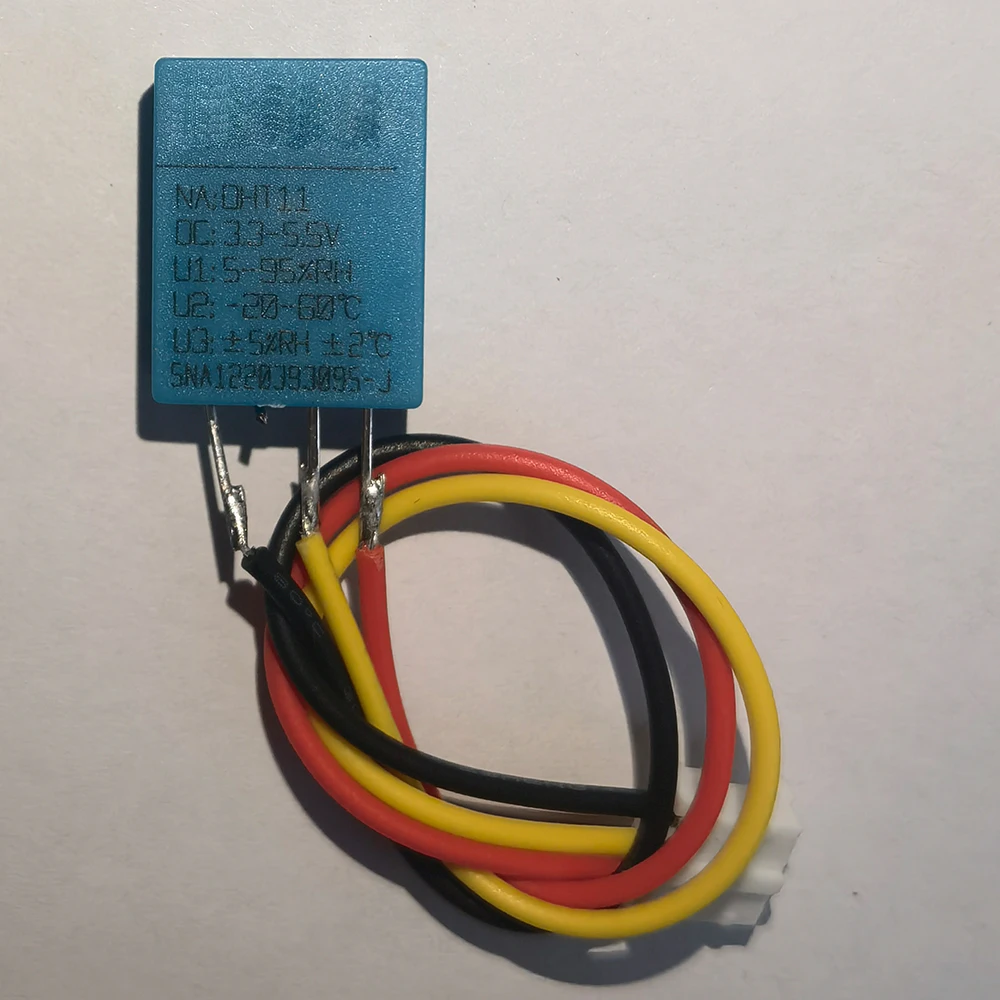
Supported temperature and humidity sensor model: DHT11 three-wire
Supports 4 channels of temperature and humidity signal input:
Choose temperature and humidity sensor (DHT11; AM2301):
When the sensor is inserted into CG1, the value 1 in the APP is displayed as temperature and the value 2 is displayed as humidity.
When the sensor is inserted into CG2, the value 3 on the APP is displayed as temperature and the value 4 is displayed on the APP as humidity.
When the sensor is inserted into CG3, the value 5 in the APP is displayed as temperature and the value 6 is displayed as humidity.
When the sensor is inserted into CG4, the value 7 in the APP is displayed as temperature and the value 8 is displayed as humidity.
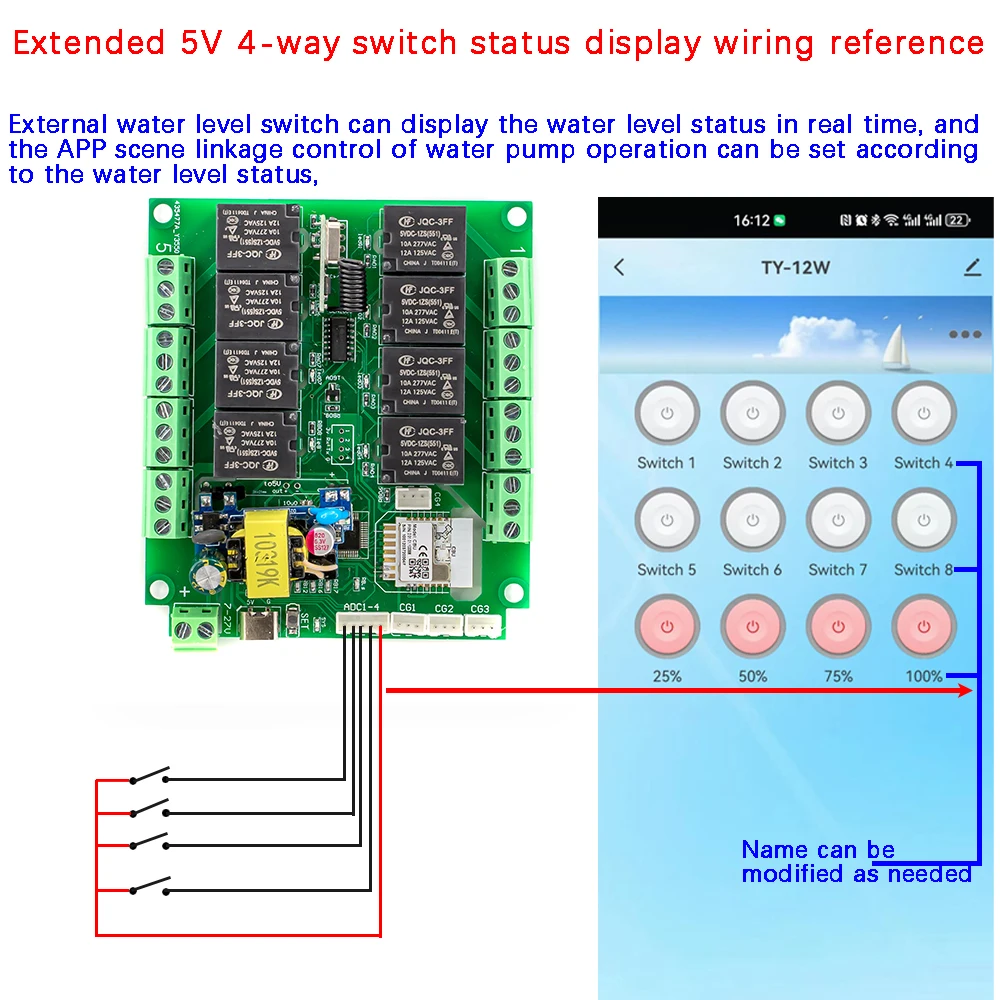
Supports access to 4 water level switches, which can be used to monitor water levels. APP scene construction can be used to achieve automatic water level control.
Create scenes in Tuya APP:
You can use the temperature and humidity parameters to control the relay to turn on and off automatically (the specific scene creation method is set in the APP, the operation method is simple, stable and reliable)
WIFI remote control relay switch can also be realized;
It can also support short-range RF433mhz remote control to control relay switches.
【Interlock setting】
●Input 2 above and 2 below, indicating channel 1.2. interlocking
●Input 3 above and 3 below, indicating channel 1.2.3 interlocking
●Enter 10 at the top and 10 at the bottom, indicating channel 1.2.3.4.5.6.7.8.9.10 interlocking
●Input 4 above and 2 below, indicating channel 1.2. interlocking and 3.4. interlocking
●Enter 8 above and 2 below, indicating 1-2 interlock, 3-4 interlock, 5-6 interlock, and 7-8 interlock
●Enter 10 at the top and 5 at the bottom, indicating channel 1.2.3.4.5 interlock and 6.7.8.9.10 interlock.
●Enter 0 above and 0 below to indicate no interlocking
【JOG setting】
●Input 1 for the channel number. The current jog time of channel 1 will be displayed below. The jog time can be changed, such as 500 milliseconds.
●Input 2 for the channel number. The current jog time of channel 2 will be displayed below. The jog time can be changed, such as 500 milliseconds.
●Inputting 0 for the jog time means that this channel does not jog. You can set other channels by analogy.
Description: Jog time range: 1-999999999 milliseconds
[Power-on settings]
●Input 1 for the channel number, and the value of the current channel will be displayed below.
●Enter 1 below, which means this channel will be automatically opened after power-on.
●Enter 2 below, which means power on and close this channel.
●Enter 3 below to indicate that the switch state before power-off will be maintained after power-on.
●Enter 4 below, which means it will be forced to open after power on, and the mobile phone will never be able to operate this channel.
[Delayed opening] (some products do not support it, and the required ones are required to be added before shooting)
●Enter 1 above, and the current setting value of channel 1 will be displayed below.
●Enter 3000 below, which means that this channel will not be opened when you click to open it, but will automatically open after 3000 milliseconds.
[Delayed shutdown] (some products do not support it, and additional requirements are required before shooting)
●Enter 1 above, and the current setting value of channel 1 will be displayed below.
●Enter 3000 below, which means that this channel will not be closed when you click Close, but will automatically close after 3000 milliseconds.
[RF433mhz remote control, learning remote control]
The circuit board setting button setting method supports remote control and 433mhz remote control setting method as follows:
(Learning self-locking) Press the "Setting" button 5 times quickly, and relay 1 will flash. (Click the setting button to change the relay number to be learned). At this time, long press 1 button on the remote control to learn 1 button, and you can continue to press it. After all operations are completed, the power needs to be turned off and on again;
【Reset】
●Press and hold the setting button for more than 10 seconds until the indicator light flashes quickly and release your hand. At this time, the phone needs to be added again and all configurations restored to the factory state.