

Deliver to
 Ship from Local Warehouse
 Free Shipping
Delivery bySunday, December 28, Order within
Free Shipping
Delivery bySunday, December 28, Order within
Shipped By:
 Fast Delivery
 Security & Privacy
 FREE Return
Wireless Bluetooth Hearing Aid Programmer Digital Hearing Aid Programming Box USB Universal Sound Amplifier Programming Device Feature: 1. Uni…
Free Shipping above $10


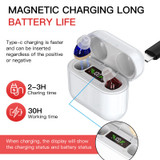


Free Shipping above $10
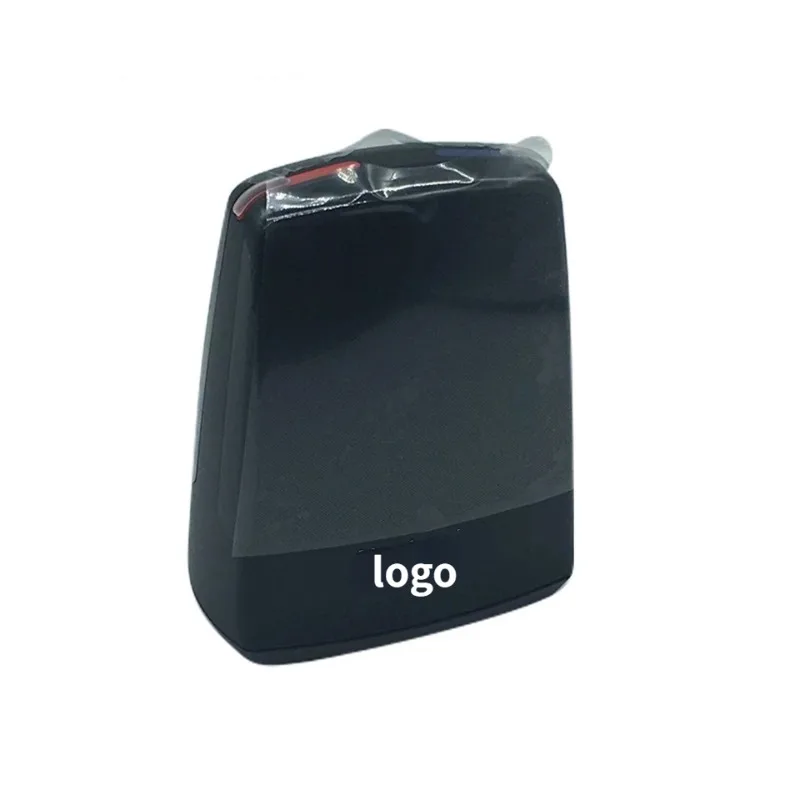
Wireless Bluetooth Hearing Aid Programmer Digital Hearing Aid Programming Box USB Universal Sound Amplifier Programming Device
Feature:
1. Universal Programmer: Sound aid programming device is compatible with 6 major brands of sound amplifier, which bring you much convenient.
Specification:
Item Type: Sound Aid Programmer
Material: ABS
Scope of Application: Can be used for 6 major brands, can support hearing device programming
Function: Wireless operation, convenient and durable suitable for a variety of brands of models.
Package List:
1 x Sound Aid Programmer1 x Manual(with U Disk)
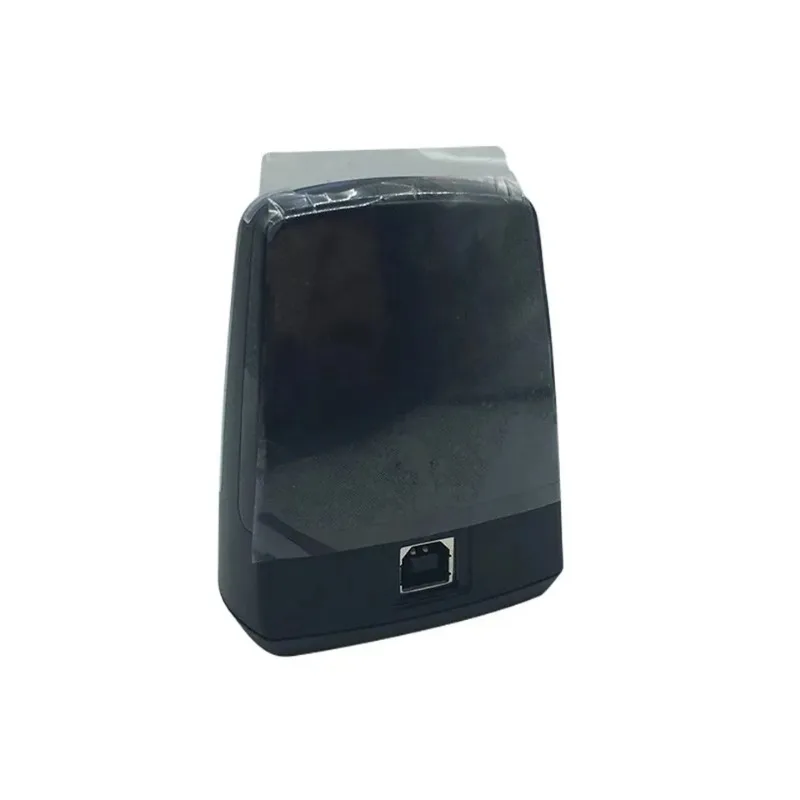
1 x USB Connection Cable
Technical Specifications:
Operating range: 10 feet (3 meters)
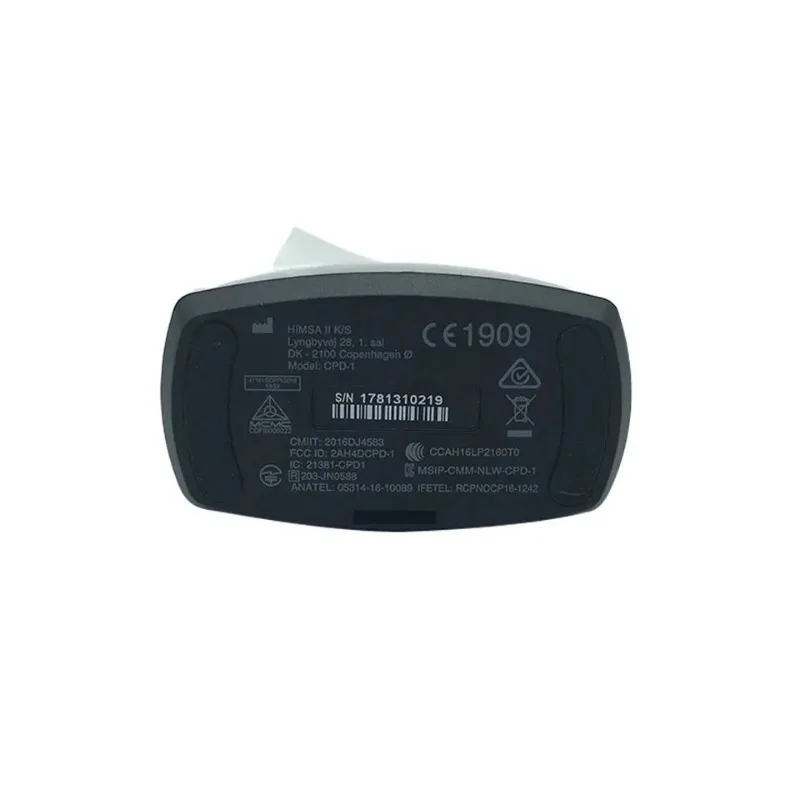
Wireless (2.4 GHz): BT LE: 2402-2480 MHz
Proximity: 2404-2478 MHz
Modulations: GFSK
Number of channels: BT LE:40
Proximity: 38 channels available but protocol chooses 16 out of 38
Data rate: BT LE 1/ Mbit/s
Proximity: 2 Mbits/s
Output power: BT LE: 4264 dBm eirp
Proximity: 16457 dBm eirp
Antenna: Internal antennas, Gain: 3dB
Operating temperature: 0°C to 55°C (32F - 131E)
Storage temperature: -20°C to 60°C (-4F - 140F)
Power supply: Powered by the USB port of a PC
Operating Voltage: 5 VDC
Installation Guide
To install Wireless you can use the following procedure:
1. Before you connect Wireless make sure that you have the approriate fitting
software installed. The Wireless driver is installed during fitting software installation.
2. After successful fitting software installation attach Wireless to any USB port
on the PC using the supplied USB cable. A 2-3 second solid green light indication will
confirm that Wireless is powered.
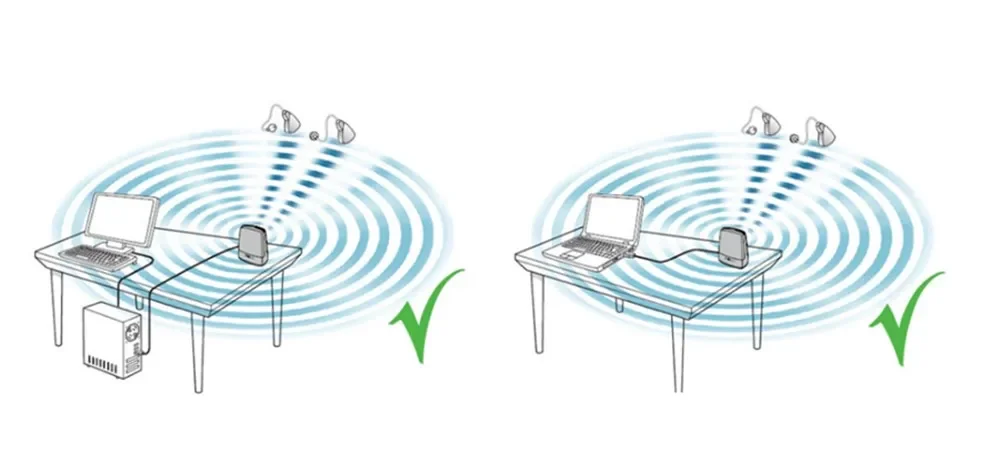
3. Performing a wireless fitting can sometimes be challenged due to number of factors related to equipment setup, and the physical layout of the fitting environment.
* Place Wireless on the table with a clear line-ofsight to the hearing instruments.
which should be within a range of 10 feet (3 metres).
* Avoid placing the Wireless in a USB hub with other USB devices (e.g. Bluetooth dongle). as this can decrease the efficiency of the Wireless.
* When fitting hearing instruments inside a sound booth place the Wireless inside or close to the booth.
* It is recommended not to use USB cables between the Wireless and the PC exceeding a length of 10 feet (3 metres).
4.You are now ready to start fitting wireless hearing instruments.